Top 7 AI Tools for ADHD Task Management
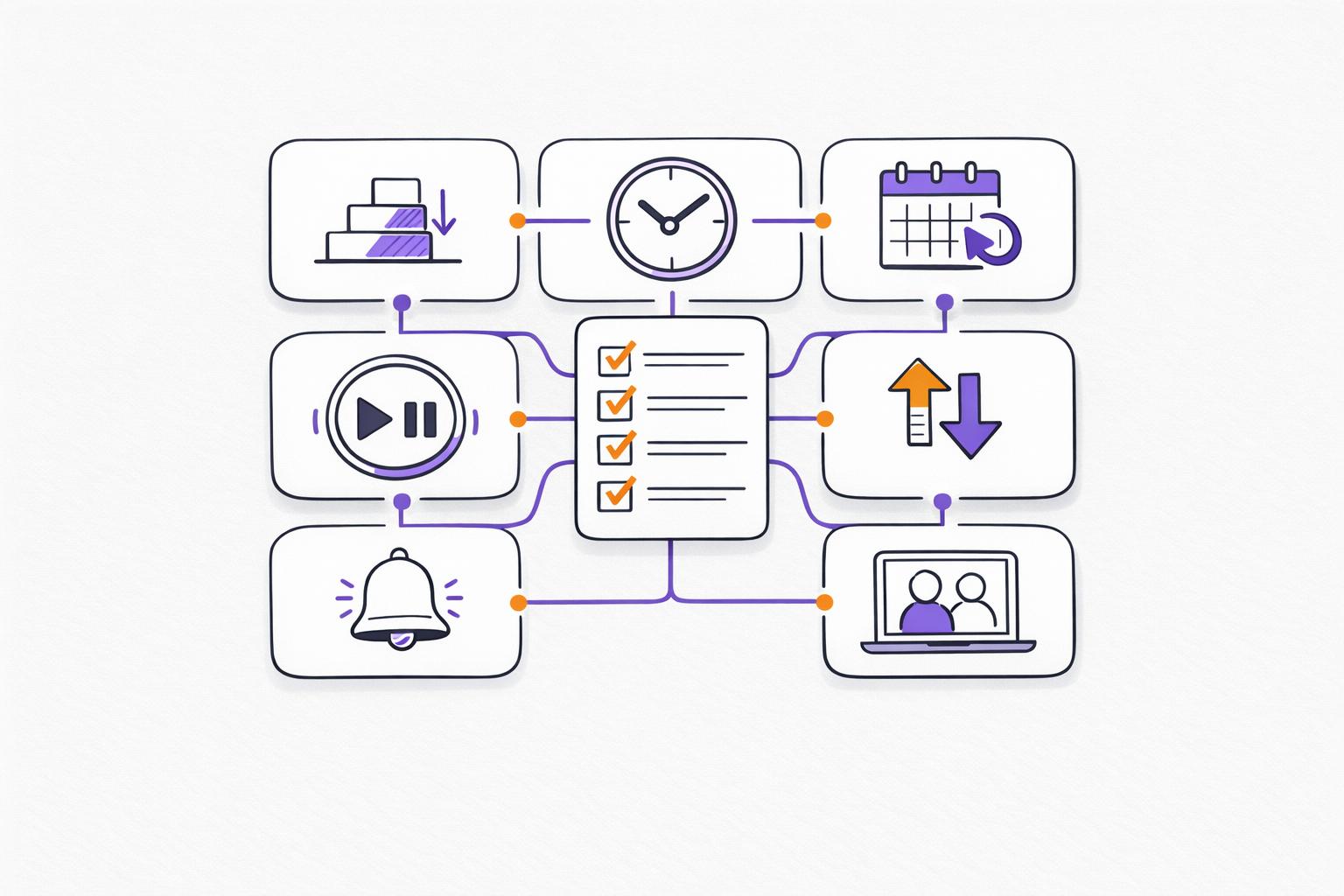
Managing ADHD-related challenges like executive dysfunction, time blindness, and task initiation can feel overwhelming. AI tools designed for ADHD provide practical solutions by breaking tasks into smaller steps, automating schedules, and offering unique features like voice-to-task input or body doubling. Here are 7 highly recommended tools:
- Calma: Voice-to-task input, mood journaling, and habit tracking. Pro plan starts at $2/week.
- Sunsama: Daily planning with timeboxing and focus mode. Costs $20/month or $16/month annually.
- Todoist: Task prioritization, natural language input, and AI Assist. Pro plan is $4/month (billed annually).
- Goblin Tools: Free web tool for breaking tasks into steps, with mobile apps starting at $1.99.
- Motion: AI-driven scheduling and project management. Free trial available with subscription options.
- Morgen: Visual scheduling with customizable time blocks. Plans start at $15/month (billed annually).
- Focusmate: Virtual body doubling for accountability. Paid plans begin at $5/month (billed annually).
These tools simplify task management, reduce overwhelm, and help you focus on what matters most. Choose one based on your specific needs, like breaking down tasks, managing time, or staying motivated.
Quick Comparison
| Tool | Key Features | Pricing | Platforms |
|---|---|---|---|
| Calma | Voice-to-task, mood journaling, habit grid | Free; Pro: $2/week, $39.99/year | iOS, Android |
| Sunsama | Timeboxing, focus mode, daily planning | $20/month; $16/month annually | Web, iOS, Android, macOS, Windows, Linux |
| Todoist | AI Assist, natural input, priority flags | Free; Pro: $4/month annually | iOS, Android, macOS, Windows, Web, Wear OS |
| Goblin Tools | Task breakdown, time estimation, free tools | Free; Apps: $1.99-$3.99 | Web, iOS, Android |
| Motion | AI scheduling, project management | Free trial; subscription options | Web, iOS, Android |
| Morgen | Custom time blocks, AI planner | $15/month annually | Windows, macOS, Linux, iOS, Android |
| Focusmate | Virtual body doubling, AI productivity | Free; Paid: $5/month annually | Web |
These tools are designed to complement ADHD-specific needs, offering external support for executive functions.
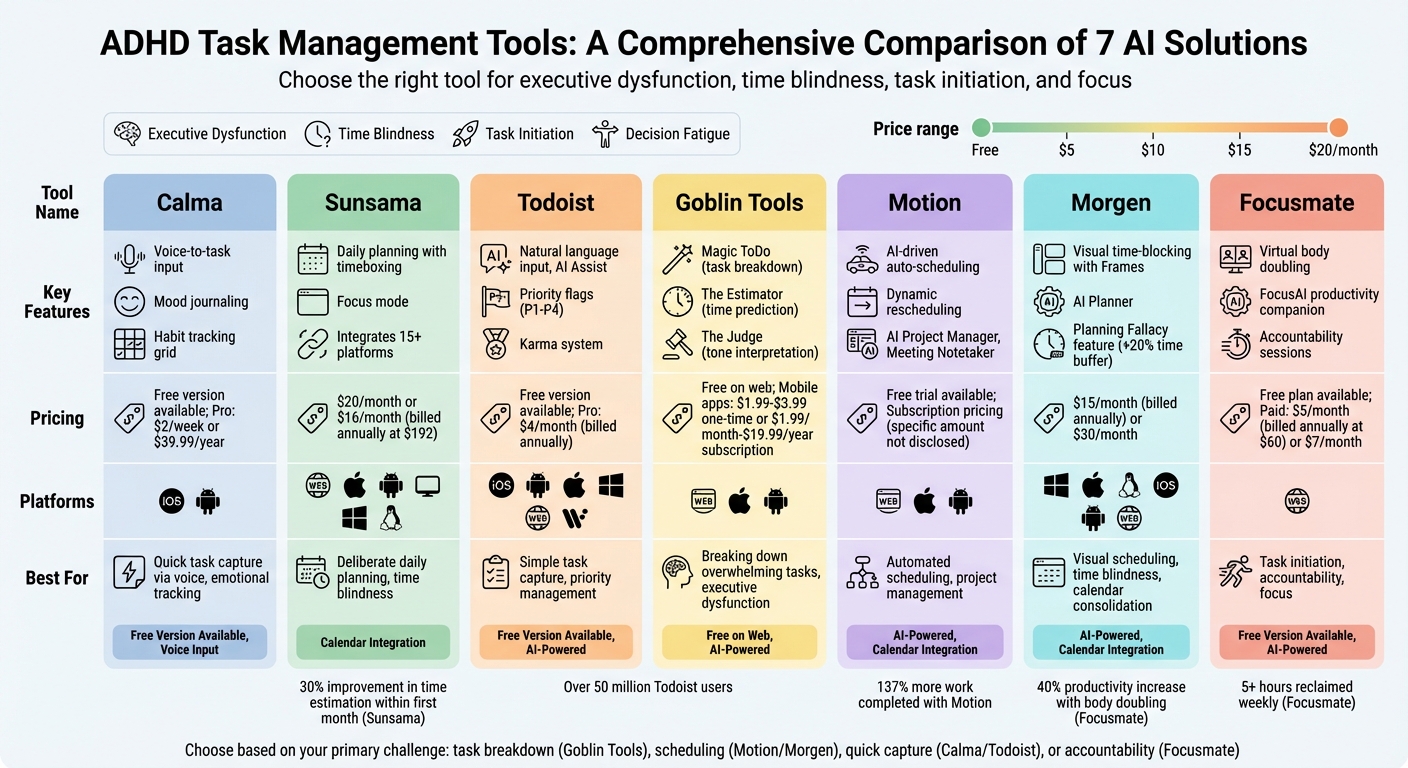
Comparison of 7 AI Tools for ADHD Task Management: Features, Pricing, and Platforms
5 Game-Changing Productivity Apps For ADHD
sbb-itb-1b3be24
1. Calma
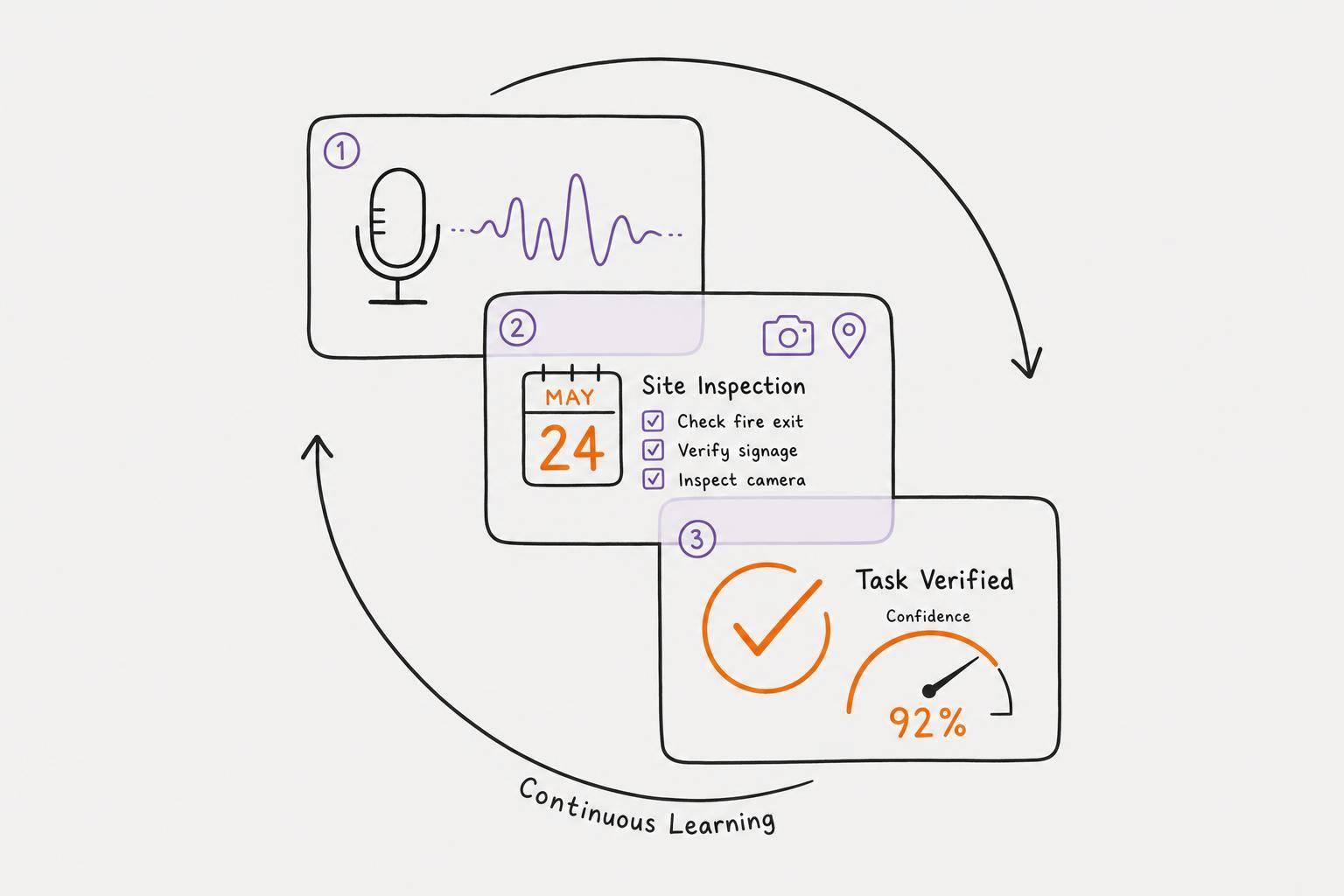
Calma addresses a common challenge for individuals with ADHD: bridging the gap between having a thought and acting on it. With Calma, you can simply speak your tasks, and the app transcribes and organizes them seamlessly.
AI-Powered Features for Simplicity
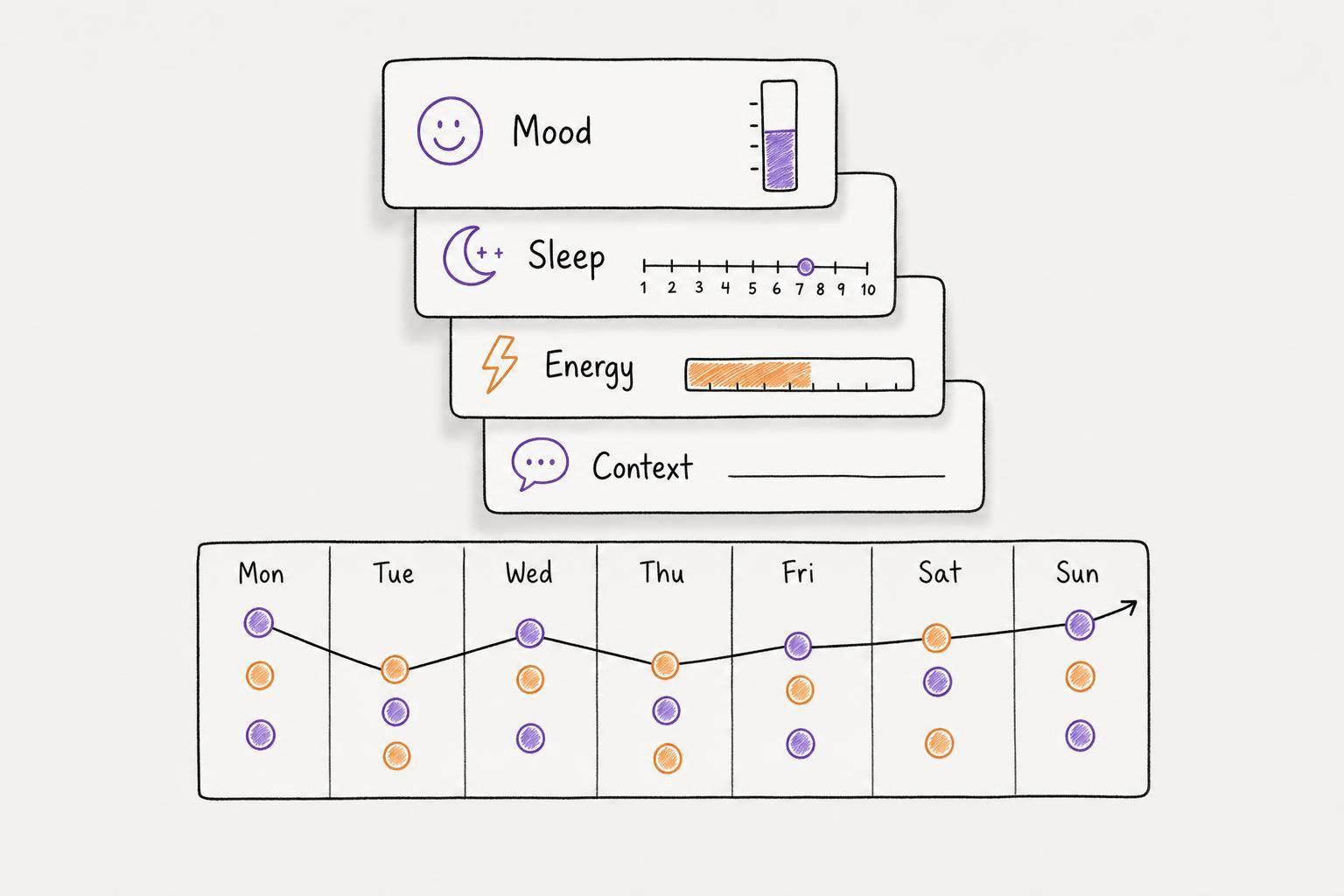
Calma’s voice-to-task system transforms your spoken words into actionable tasks. It goes a step further by identifying urgent items, assigning priorities, and setting due dates, which helps ease the burden of decision-making. Beyond task management, the app also supports mood journaling by analyzing your voice for emotional cues like stress or anxiety. This dual functionality lets you track both productivity and mental well-being.
Designed for ADHD-Specific Needs
"I've spent years buying paper planners I never use. Calma is the first tool that actually works with my ADHD, not against it. Being able to just talk and have the AI sort my messy brain dump into tasks is life-changing."
Sarah M., a freelance designer, highlights how Calma simplifies task initiation - one of the toughest hurdles for ADHD brains. This is why it's essential to plan your day with ADHD using methods that reduce friction.
The app also includes a pixel habit grid, which tracks your progress and provides instant rewards to keep you motivated. Marcus L., a software engineer, shares:
"The dark, minimalist interface is exactly what I need to stay focused. I love the pixel habit grid - it gives me that quick dopamine hit to keep my streaks going."
Fast Task Management and Visibility
Unlike ADHD productivity planner app options that take 45–60 seconds per entry, Calma captures your tasks in just 10–15 seconds. The app also offers home screen widgets for both tasks and habits, keeping your goals front and center without any added hassle.
Pricing and Features
Calma offers flexible pricing to suit different needs. Start with a 7-day free trial to explore full voice AI capabilities. After that, the free version allows manual task creation and includes up to 3 habits. For more features, upgrade to Pro at $2/week or $39.99/year, which unlocks unlimited voice AI, calendar integration, iOS widgets, and complete habit tracking.
2. Sunsama
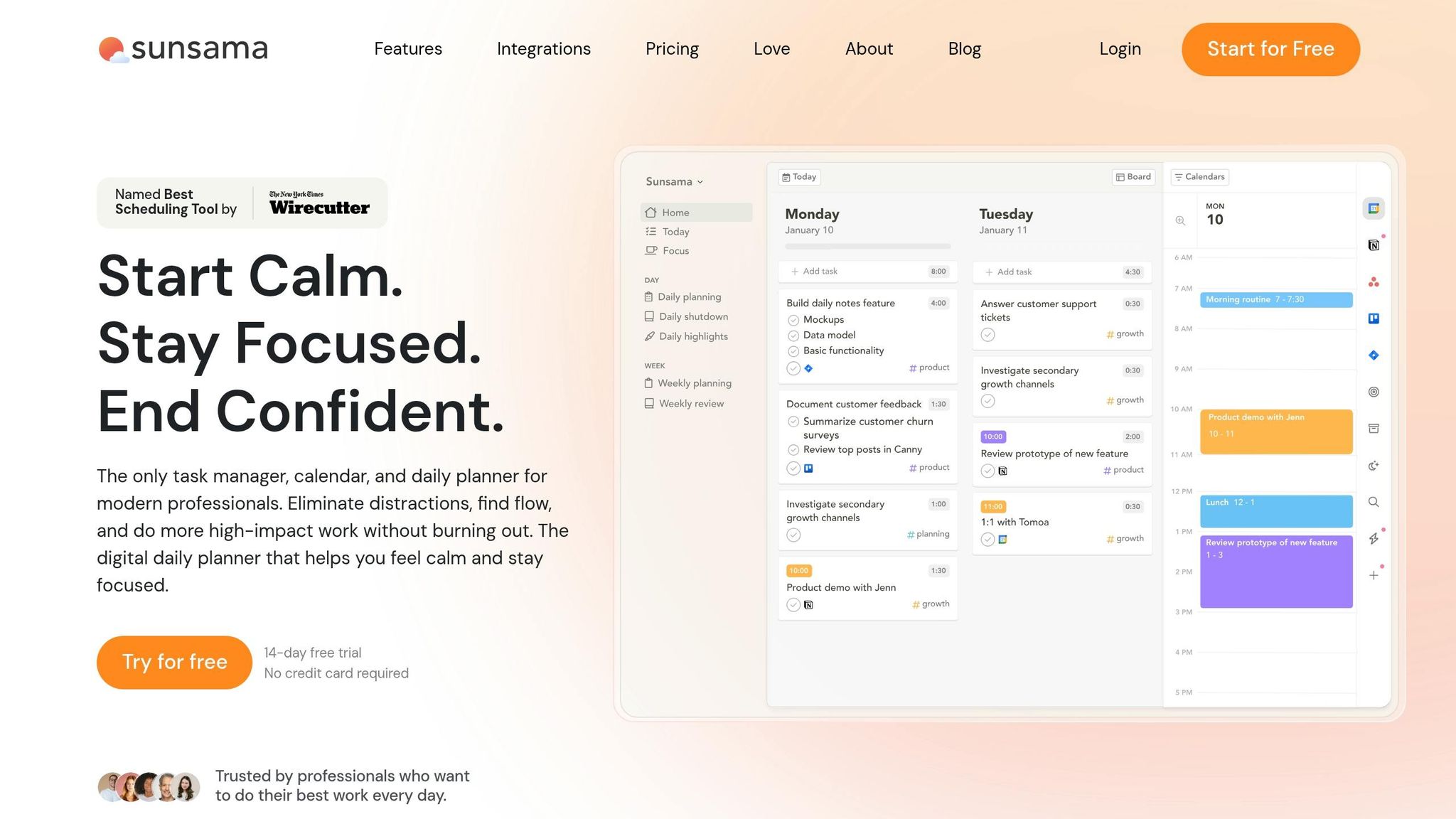
Sunsama stands out in the world of task management by focusing on deliberate daily planning rather than relying on traditional to-do lists. It encourages users to reflect on their progress from the previous day, set clear intentions for the current day, and estimate how long tasks will take. This approach helps users avoid taking on more than they can handle - something many people with ADHD struggle with. By promoting mindful planning, Sunsama lays the groundwork for better task management.
Task Prioritization and Organization
Sunsama brings together tasks from over 15 platforms - including Asana, Trello, Jira, Notion, GitHub, and Gmail - into one streamlined daily view. You can drag and drop tasks onto your calendar (compatible with Google, Outlook, or iCloud) to schedule when specific work will happen. This timeboxing feature provides a clear visual structure for the day, which can be particularly helpful for those dealing with time blindness. Research shows that knowledge workers switch between apps around 1,200 times per day, a habit that can lead to mental fatigue.
AI-Powered Features for Automation and Assistance
The app uses AI to simplify planning and boost efficiency. For example, it analyzes past performance to generate automatic time estimates, helping users overcome time blindness. Its Task Projections feature shows how planned tasks fit into your available schedule, factoring in existing meetings and your preferred end-of-day time. Sunsama’s Timeboxing 2.0 feature takes this further by automatically scheduling tasks into your calendar and adjusting plans as needed. Users have reported a 30% improvement in their ability to estimate task durations within the first month of using Sunsama.
Support for ADHD-Specific Challenges
Sunsama includes tools tailored to address challenges associated with ADHD. Its Focus Mode provides a distraction-free workspace with floating timers to help maintain concentration. The app also encourages a daily shutdown ritual, prompting users to review their progress and officially close out the day - an effective way to combat burnout. Paul Galatis, CEO of Names & Faces, shared his enthusiasm for the app:
"The tool that has had the greatest impact on my life and my productivity is unquestionably Sunsama. These guys deserve a Nobel prize".
Pricing and Accessibility
Sunsama offers a 14-day free trial with full access to its features, no credit card required. After the trial, the subscription costs $20/month or $16/month if billed annually at $192. The app is available across multiple platforms, including Web, iOS, Android, macOS, Windows, and Linux, ensuring it’s widely accessible. While its pricing is higher than that of basic task managers, users often highlight its calming design and guided rituals as invaluable for easing anxiety and managing overwhelm. Sunsama boasts a 4.7/5 rating on Capterra and was named "Best Scheduling Tool" by The New York Times' Wirecutter.
3. Todoist
Todoist stands out as one of the most widely used task management tools, boasting over 50 million users and more than 2 billion completed tasks. Its design minimizes effort - from quickly jotting down ideas to breaking large projects into smaller, doable steps - making it particularly helpful for individuals navigating ADHD.
Task Prioritization and Organization
Todoist’s natural language input simplifies scheduling. For example, typing "Submit report every Friday at 4pm" automatically creates and organizes the task. The app uses four priority flags (P1 to P4) as visual markers, helping users differentiate between tasks that need immediate attention and those that can wait. Many users stick to a daily limit of three high-priority tasks and seven overall to stay focused.
The subtasks feature makes tackling big projects less intimidating by breaking them into smaller, actionable steps. Users can also tag tasks based on energy level (like @low-energy) or time required (such as @10-minutes), making it easier to match tasks with their current mental bandwidth.
AI-Powered Features for Automation and Assistance
Todoist Assist introduces AI to streamline workflows. The Filter Assist tool creates custom task views based on natural language prompts, such as "high priority tasks due this week." Meanwhile, Email Assist can extract actionable items from lengthy emails and convert them directly into tasks. Clemens A., Founder & Principal Software Developer, shared his experience:
"Email Assist pulled out the actual action item and all relevant information from a bureaucratic government email. This is the right way to use AI in products."
Additionally, Todoist integrates with Siri, Alexa, and Google Assistant, enabling hands-free task input. Its Karma system adds a fun, motivational element by awarding points for completed tasks and tracking streaks. Together, these features cater to productivity while addressing ADHD-specific needs.
Support for ADHD-Specific Challenges
Todoist tackles time blindness - a common ADHD hurdle - through its "Today" and "Upcoming" views, which make deadlines more tangible. By syncing with Google Calendar or Outlook, it transforms to-do lists into time-blocked schedules, reducing the risk of overcommitting. The Inbox feature acts as a reliable space to quickly capture thoughts or tasks, which can be sorted during daily or weekly reviews.
One user described the app’s impact:
"I have ADHD, am a chronic procrastinator... this allows me to see everything that is due right in front of me and the order in which I should do them." - Kaiinde, Verified User
Pricing and Accessibility
Todoist offers a free plan covering basic task management, due dates, and labels. For around $4 per month (billed annually), the Pro plan adds features like reminders, custom filters, AI Assist, and calendar views - tools that provide extra support for ADHD management. Available on iOS, Android, macOS, Windows, Web, and Wear OS, Todoist has earned a 4.8/5 rating from over 374,000 five-star reviews and has been a trusted resource for nearly two decades.
4. Goblin Tools
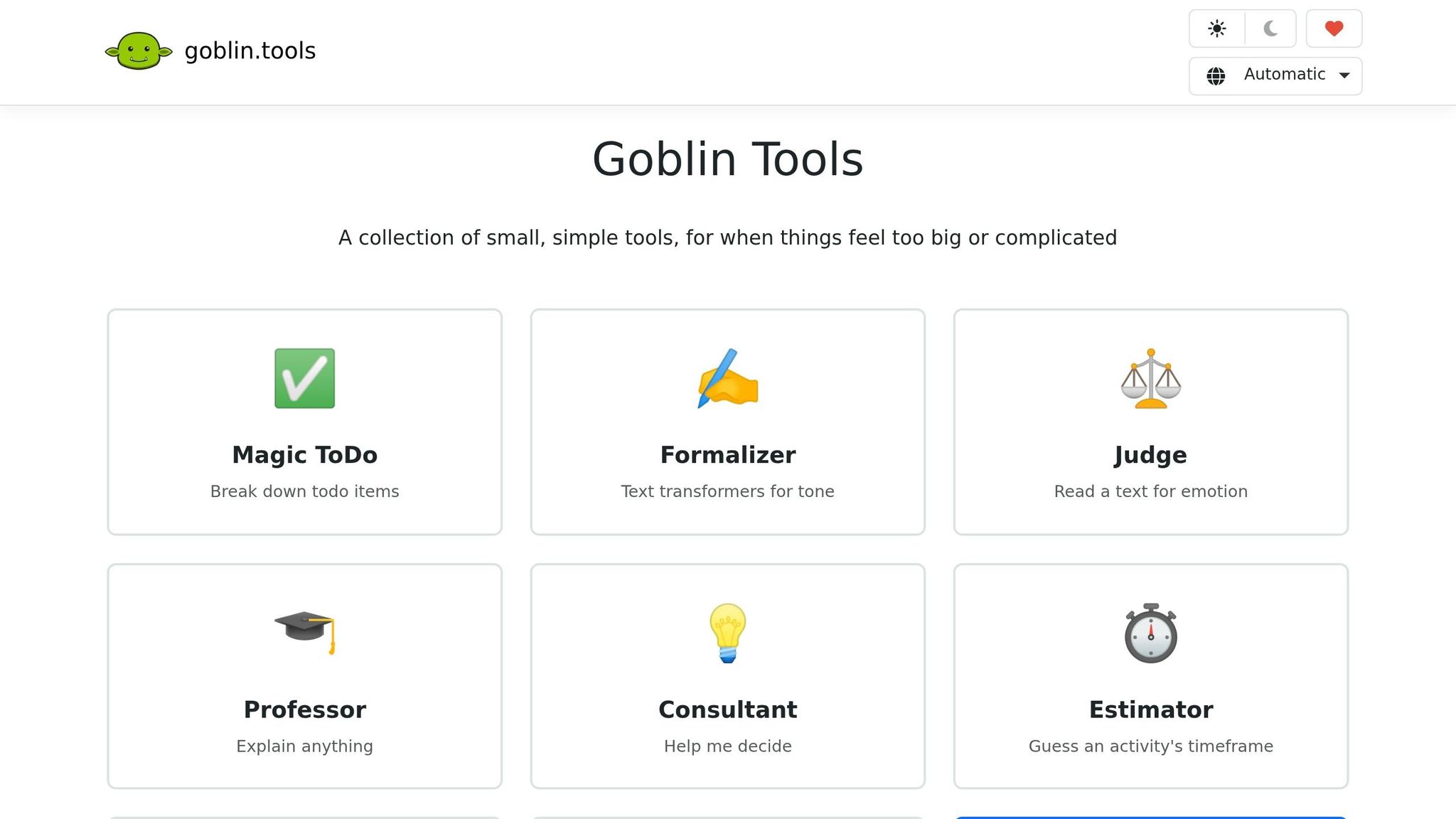
Goblin Tools tackles a common struggle: overcoming the "Wall of Awful" that makes starting tasks feel impossible. Created by Belgian AI engineer Bram de Buyser, this free web tool - and its budget-friendly mobile app - offers a variety of AI-driven utilities aimed at easing executive dysfunction. It’s particularly helpful for users with ADHD, turning overwhelming tasks into clear, actionable steps.
Tailored Support for ADHD Challenges
One standout feature, Magic ToDo, takes vague tasks like "clean the kitchen" and breaks them into small, manageable steps. It includes a "spiciness" slider to control how detailed the breakdown gets, plus a blue wand icon to further divide subtasks if needed. This tool is perfect for when you feel stuck. In October 2023, Julia Pugachevsky from Business Insider used Magic ToDo to finally tackle her long-postponed closet reorganization. The tool broke the project into micro-steps, and with help from The Estimator, which predicted the task would take 2–4 hours, she managed to reorganize her closet in one evening.
Other features also address ADHD-specific struggles. For example, The Estimator helps with time blindness by providing realistic timeframes for tasks, while The Judge interprets the tone of incoming messages, reducing anxiety about social cues or rejection. Sean Z., Founder of Thawly, called it "the absolute best free tool for when you know you need to do something, but the task feels too big and nebulous to grasp".
AI Tools for Simplifying Daily Life
Goblin Tools doesn’t stop at task management - it offers additional features to streamline everyday tasks. Here’s what else it can do:
- The Formalizer: Converts casual or emotional thoughts into polished, professional emails, making workplace communication less stressful.
- The Compiler: Turns scattered ideas into structured, actionable checklists.
- The Chef: Suggests recipes based on the ingredients you have, easing decision fatigue around meals.
One user, nniko11, summed it up perfectly:
"It's like having a personal assistant guiding me through my day".
Pricing and Accessibility
Goblin Tools is completely free on its web platform (goblin.tools), with no ads or accounts required. For mobile users, the iOS and Android apps are available as a one-time purchase, typically priced between $1.99 and $3.99. There are also subscription options ranging from $1.99 per month to $19.99 per year. The app boasts a 4.5-star rating from 262 reviews on the Apple App Store. While many users praise it as transformative for managing executive dysfunction, some have mentioned occasional bugs, such as tasks disappearing.
5. Motion
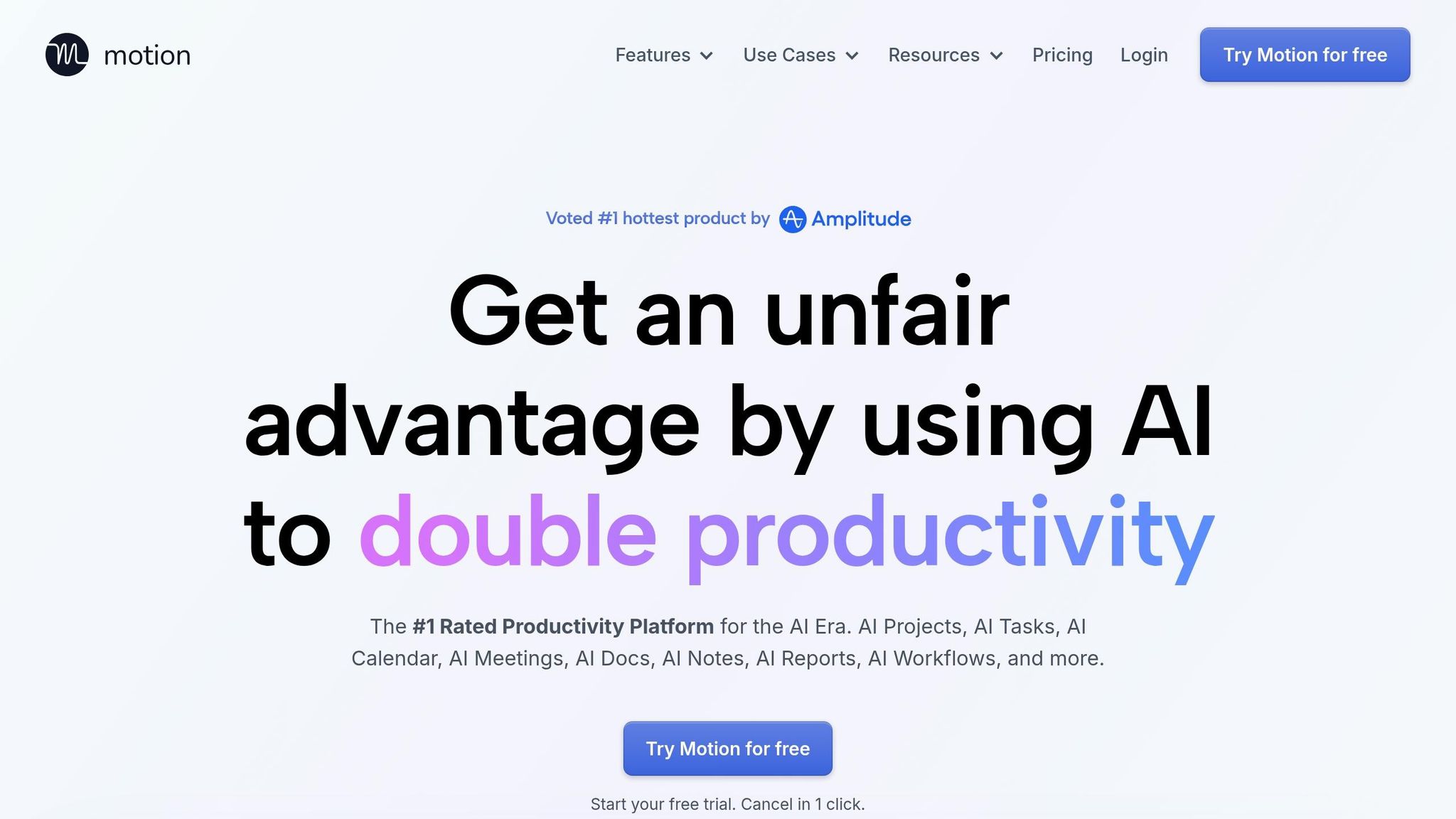
Motion serves as an AI-driven personal assistant, designed to create an optimized daily schedule based on your deadlines, task dependencies, and estimated task durations. Instead of being overwhelmed by a never-ending to-do list, Motion organizes your day for you. This approach helps tackle decision fatigue and the executive dysfunction that often accompanies ADHD. By automating the planning process, it seamlessly integrates task prioritization into your daily routine.
Task Prioritization and Organization
Motion’s AI Task Planner slots tasks into available time blocks throughout your day. If a last-minute task pops up or a meeting runs over, the system adjusts your schedule dynamically. Plus, it alerts you well in advance if a task is at risk of missing its deadline.
Francis M, a verified G2 user, shared their experience:
"As someone with ADHD who struggles to stay focused and organized, I found great joy in discovering the Motion app. This invaluable tool has become a lifeline, allowing me to effectively manage projects, priorities, and schedules - while accommodating my ADHD brain".
AI-Powered Features for Automation and Assistance
Motion goes beyond scheduling by automating project management and note-taking. Its AI Project Manager can turn a simple project description into a fully fleshed-out plan with tasks, deadlines, and assignments - with over 90% accuracy. For larger projects, it breaks down lengthy tasks into manageable chunks, such as splitting a 6-hour task into 2-hour blocks. You can also add tasks quickly using Siri or by forwarding emails from Gmail or Outlook.
The platform includes an AI Meeting Notetaker that captures notes and creates actionable tasks, boasting 80% higher accuracy than manual note-taking. Kate B, another verified user, noted:
"Motion has been my best friend in overcoming executive dysfunction".
These features are especially beneficial for individuals with ADHD, simplifying daily planning and boosting productivity.
Pricing and Accessibility
Motion offers a free trial with a simple, one-click cancellation option. The subscription provides access to advanced AI tools at a fraction of the cost of buying separate solutions - 10 times less, to be exact. Users report completing 137% more work and finishing projects 32% faster, thanks to reduced idle time.
The platform integrates seamlessly with tools like Zapier, Zoom, Google Meet, Gmail, Outlook, Siri, HubSpot, Salesforce, Teams, and Slack. It also ensures data security with SOC 2 Type 2 compliance and full encryption.
6. Morgen
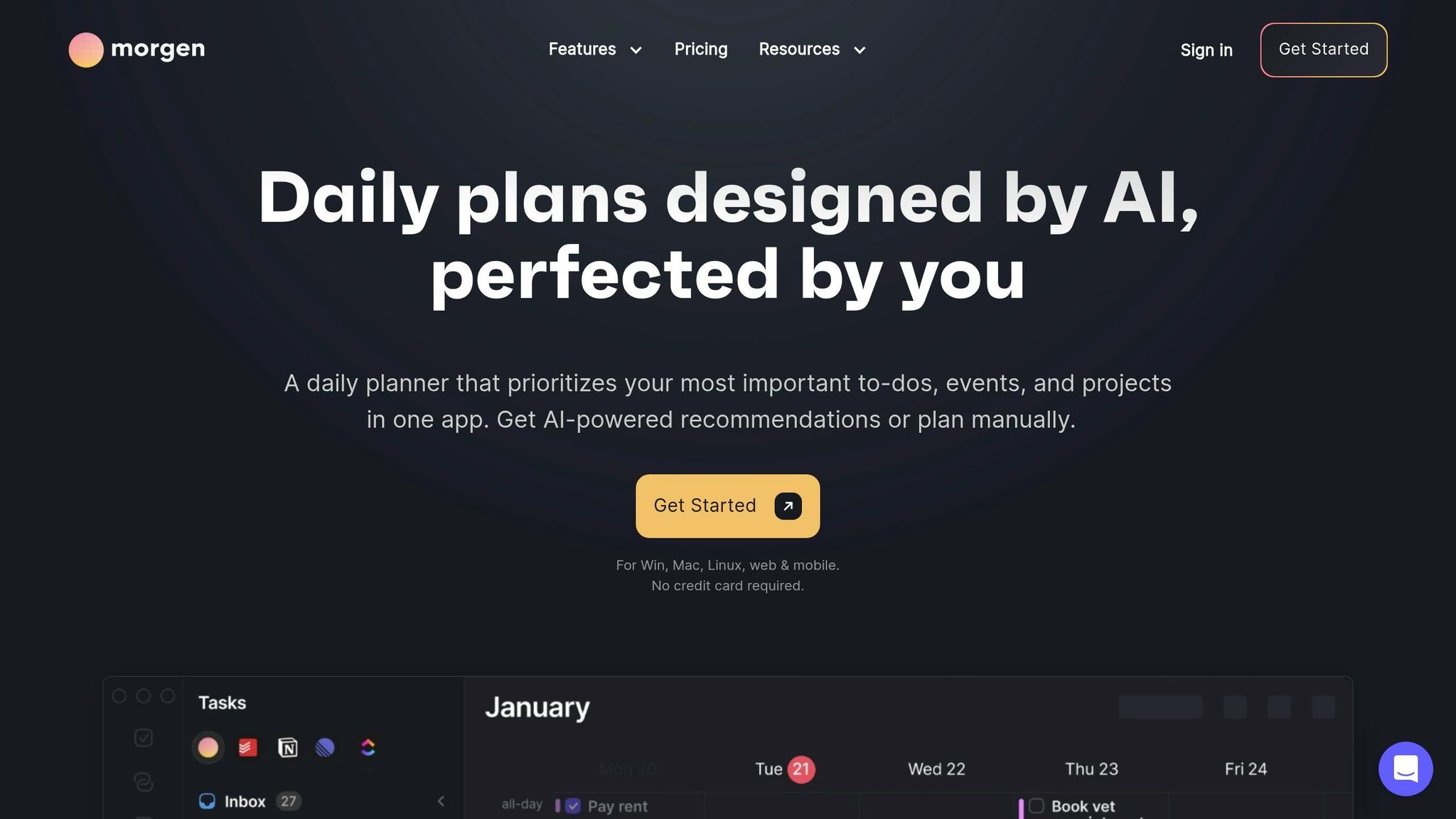
Morgen stands out by offering a scheduling approach that puts you in control. It suggests optimized schedules based on your deadlines and priorities but ensures you approve changes before they’re made. This "approve-first" workflow can be a game-changer for individuals with ADHD, helping to ease the anxiety that can come with fully automated systems. It’s designed to create a more personalized experience for managing ADHD-related challenges.
Task Prioritization and Organization
Morgen uses visual tools, such as its "Frames", to make task management less overwhelming. Frames are customizable time-blocking templates - like "Deep Work" or "Admin" - that help you visualize your daily capacity. These templates allow you to filter tasks and schedule high-priority items during your most productive hours.
Another helpful feature is Morgen’s ability to consolidate tasks from platforms like Notion, Linear, Todoist, ClickUp, and GitHub into a single calendar view. This eliminates the constant app-switching that many knowledge workers experience - research suggests this happens about 1,200 times a day, which can be particularly draining for those with ADHD. Morgen also uses tools like color-coding and "Calendar Sets", allowing you to toggle between work and personal schedules with simple keyboard shortcuts. This reduces visual clutter and makes it easier to stay focused.
Support for ADHD-Specific Challenges
Morgen directly tackles ADHD-related issues such as time blindness. Its "Planning Fallacy" feature automatically extends task durations by 20% to account for misjudged time estimates. You can also label tasks as "flexible" or "non-flexible", enabling the system to move flexible tasks in case of conflicts while keeping essential commitments locked in.
Vojtech Mikula, a user, shared this insight:
"The ability to create 'frames' – time blocks where either the AI planner or I can place different types of tasks... This is hands down the best feature, and I haven't seen it done like this in any other app."
AI-Powered Features for Automation and Assistance
Morgen’s AI-powered tools take automation to the next level. Its AI Planner reviews unscheduled tasks and proposes optimized schedules for the next 1–8 days. It can break longer tasks into smaller, manageable sessions, schedule breaks based on your preferred work rhythm, and even resolve schedule conflicts with one-click rescheduling.
Morgen Assist further simplifies your day by automating administrative details. It can add travel time to your calendar based on your location and transportation mode, build buffer time between meetings, and sync events across multiple calendars. Using natural language processing, you can create tasks effortlessly with phrases like "every second Monday" without needing extra setup.
Pricing and Accessibility
Morgen offers a 14-day free trial. The Individual Plan is priced at $15 per month when billed annually or $30 per month when billed monthly. Special discounts are available - students, educators, and non-profits get 25% off for life, while users switching from competitors receive 15% off for their first year. The platform has received glowing reviews, with a 4.9/5 rating on G2 and a perfect 5.0/5 on Capterra.
Alessio Z., another user, highlighted the platform’s user-friendly design:
"The interface is clean and intuitive, making it easy to organize my schedule and to-dos without feeling overwhelmed."
Morgen is compatible with Windows, macOS, Linux, iOS, Android, and major web browsers. It integrates seamlessly with popular tools like Google Calendar, Outlook, Apple Reminders, Notion, and Slack.
7. Focusmate
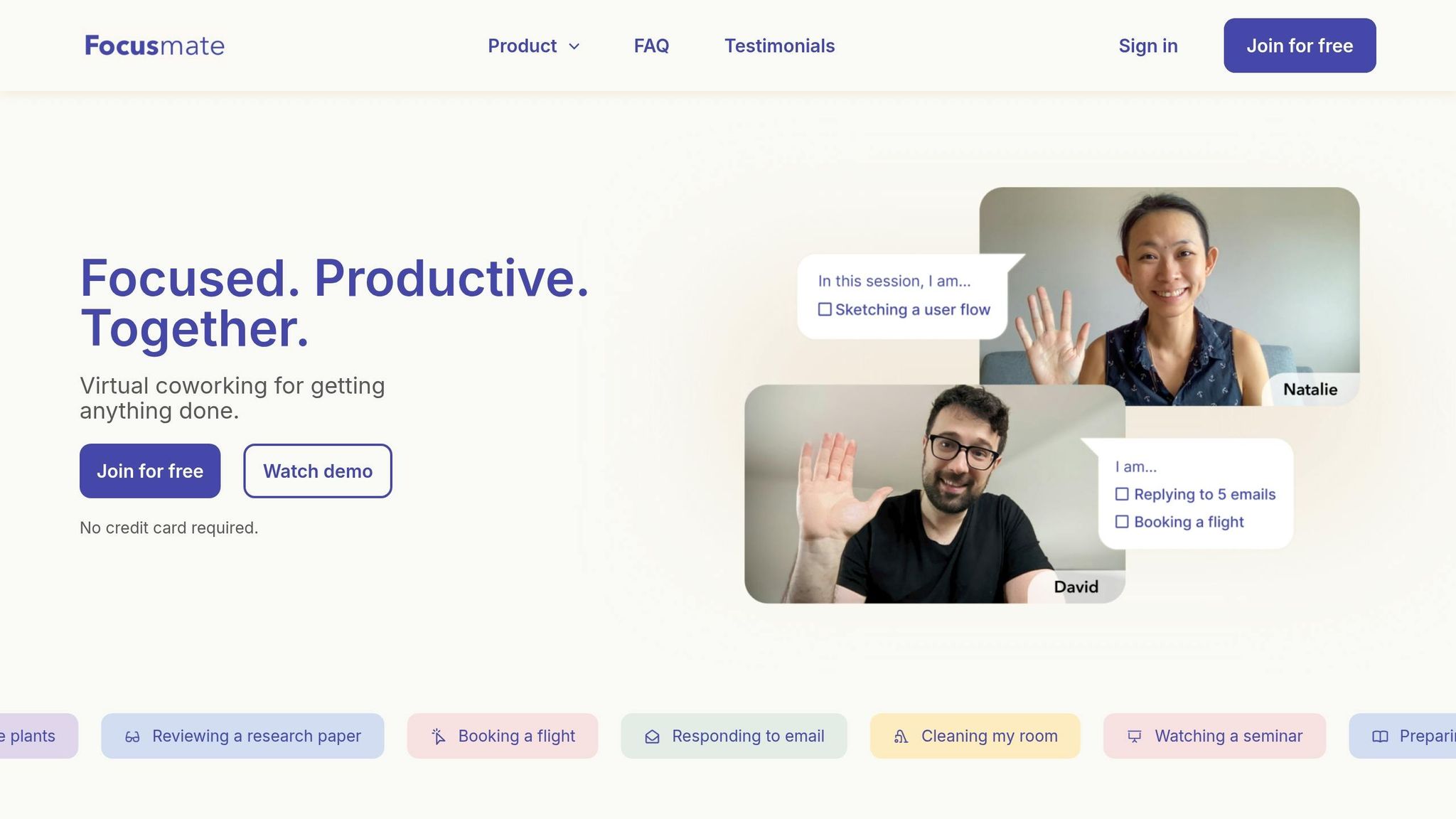
Focusmate takes a socially interactive approach to tackling executive dysfunction, offering a virtual body-doubling experience to help users initiate and complete tasks. By pairing you with a video partner, it creates a sense of shared accountability, which can be particularly helpful for individuals with ADHD.
Addressing ADHD-Related Challenges
The concept of body doubling, where a virtual partner works alongside you, provides a boost in motivation and focus. For those with inattentive ADHD, this shared experience can deliver the dopamine kick needed to start tasks, while individuals with hyperactive ADHD may find it helps anchor their attention. Studies indicate that body doubling can increase productivity by up to 40%. Additionally, the likelihood of achieving goals jumps from 25% to 95% when regular accountability sessions are part of the routine. This method not only makes daunting tasks more engaging but also leverages social pressure in a positive way to combat procrastination without causing stress.
AI Features for Smarter Productivity
Focusmate has recently introduced FocusAI, an AI-driven productivity companion designed to adapt to your personal work habits. This tool identifies your peak focus periods and suggests tailored concentration strategies. It also helps streamline your day with planning prompts that minimize decision fatigue by organizing and prioritizing tasks for you.
One user, software engineer E.S., shared their experience:
"As a software developer with ADHD, staying on track was always a challenge. FocusMate's AI assistant keeps me accountable and helps me stay in flow state. Best productivity investment I've made".
On average, Focusmate users reclaim over 5 hours of productive time each week. When broken down, the annual cost amounts to just 25¢ per productive hour - a small price for a big payoff.
Pricing and Accessibility
Focusmate offers flexible pricing to ensure accessibility. There’s a free plan that requires no credit card, giving users a chance to explore its features. For those looking for unlimited AI support, daily planning tools, and advanced productivity analytics, the paid plans are a solid choice. The monthly subscription is priced at $7, but opting for the yearly plan reduces the cost to $5 per month (billed as $60 annually), saving $24 compared to the monthly option.
Conclusion
Choosing an AI tool for managing ADHD isn’t about finding the one with the longest list of features - it’s about identifying the tool that tackles your biggest hurdles. Whether it’s breaking down intimidating projects, managing time blindness with visual planners, or using voice-to-task features to get started, the key is finding something that directly addresses your challenges. Tools that require minimal setup and maintenance can make a huge difference, especially when executive dysfunction comes into play.
The most effective tools work with you, not against you. They rely on autopilot features rather than systems that demand constant manual updates. When your executive function fluctuates, a low-maintenance tool is far more dependable than one with a steep learning curve or high upkeep demands.
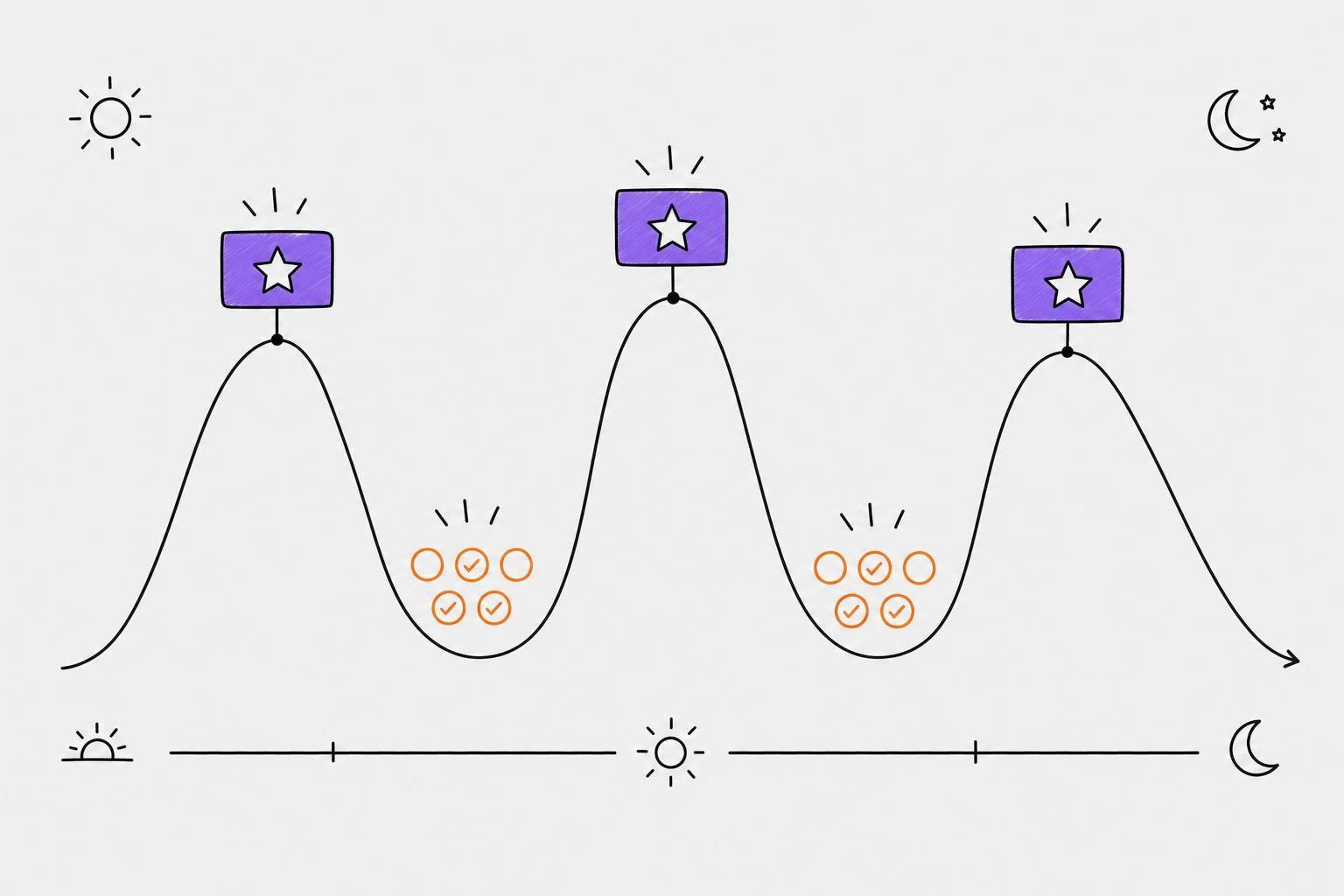
Start by addressing the challenge that drains your energy the most. If mornings are tough because of decision fatigue, tools with automated prioritization can help. If working alongside others boosts your focus, body doubling might increase your productivity by up to 40%. Align your tools with your energy levels: schedule complex tasks during your high-focus times and save simpler ones for low-energy moments.
Reducing decision-making at the start of a task can improve follow-through by around 40%. Additionally, tools that consolidate multiple platforms can help cut down on the attention residue caused by constantly switching between apps. This is crucial, as adults with ADHD lose an estimated 22 to 27 days of productivity every year due to symptoms.
The goal isn’t to change who you are - it’s to create systems that support the executive functions your brain struggles to manage. The right tool doesn’t force you to adapt; it adapts to you. Whether it’s through automatic emotion tracking, structured task management, natural language processing for quick task capture, or body doubling, each tool should address your ADHD-specific needs with as little effort on your part as possible.
FAQs
Which AI tool is best for getting started when I feel stuck?
The best tool to kickstart your progress when you're feeling stuck is Unstuck. This AI-powered platform works by asking specific questions about your energy levels, available time, and goals. Based on your responses, it crafts a personalized, step-by-step plan designed to help you move forward. Its focused approach simplifies taking that first step, even when you're unsure where to start.
How do I pick a tool that helps with time blindness?
When selecting AI tools to assist with time perception and scheduling, focus on features that make managing your day easier and more intuitive. Look for tools that include time estimation, buffer time, and reminder systems. These can help you stay on track and account for unexpected delays.
Additionally, consider planners that analyze your patterns of time blindness and offer tailored strategies. Features like focused work blocks, preparation time, and decompression periods can be particularly helpful. These tools aim to give you a clearer understanding of how long tasks take, making it easier to organize your schedule and stick to it.
Can I use one tool across my phone and computer?
Yes, plenty of AI tools for managing ADHD tasks are built to function smoothly on both your phone and computer. This compatibility makes it easy to stay on top of your tasks, whether you're at your desk or on the go.