Best Features of AI Habit Trackers
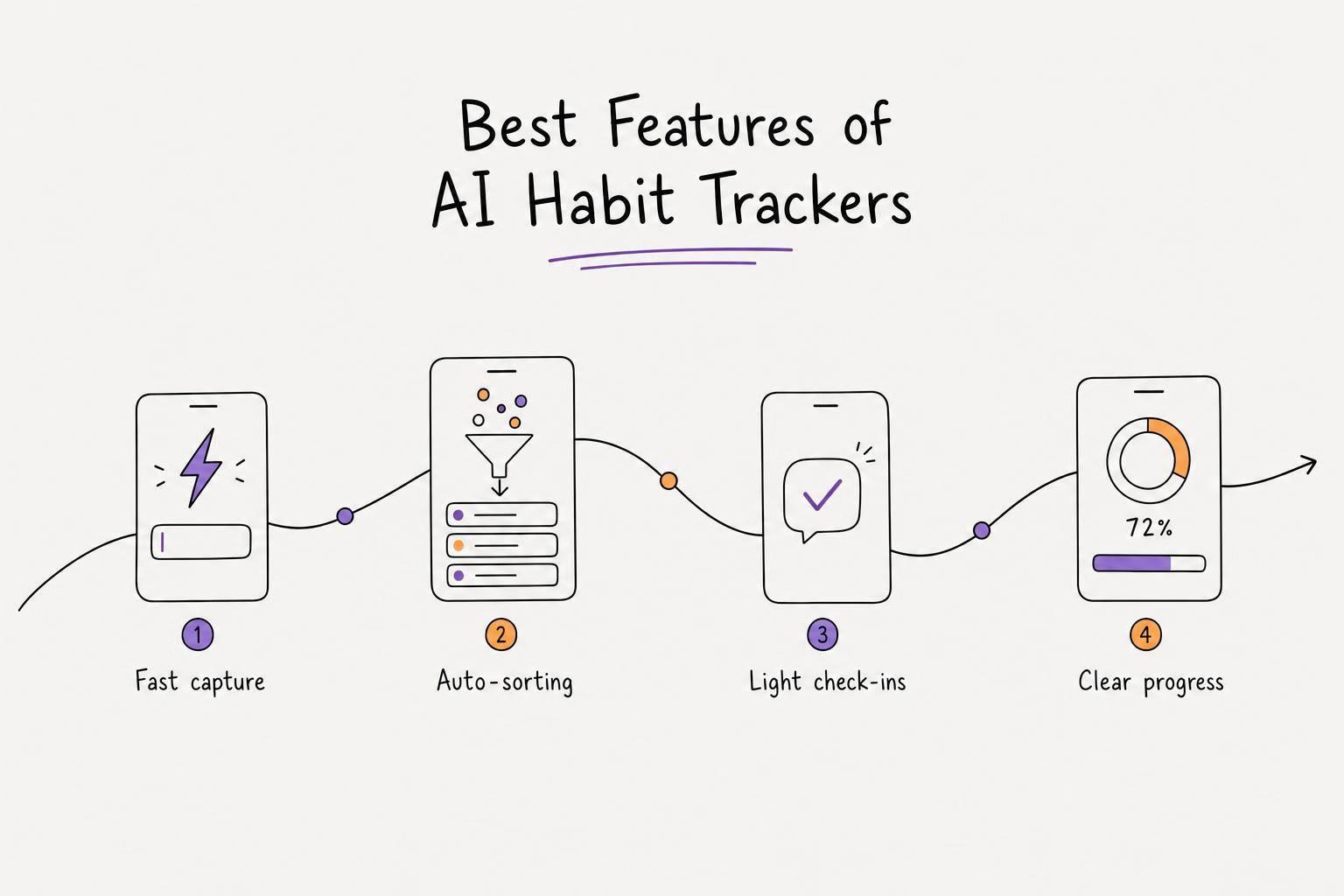
If habit tracking feels like work, the app is the problem. From what I see in this comparison, the best tools cut friction in four places: adding a habit fast, sorting it with less manual effort, making check-ins feel light, and showing progress in a way you can read fast.
Here’s the short version:
- Calma is best if you want voice input, auto-sorting, and simple progress views.
- Routinery is best for repeat routines with timed step-by-step guidance.
- TickTick is best if you want habits, tasks, calendar, and focus tools in one place.
- Habitify is best if you care most about easy logging and longer-term consistency stats.
- Sunsama is best for daily planning, not habit tracking on its own.
Price also matters. In this group, plans range from about $35.99/year to $20/month, with some free tiers capped at 3 habits. And one data point stands out: research cited in the article says AI habit trackers can improve adherence by cutting friction.
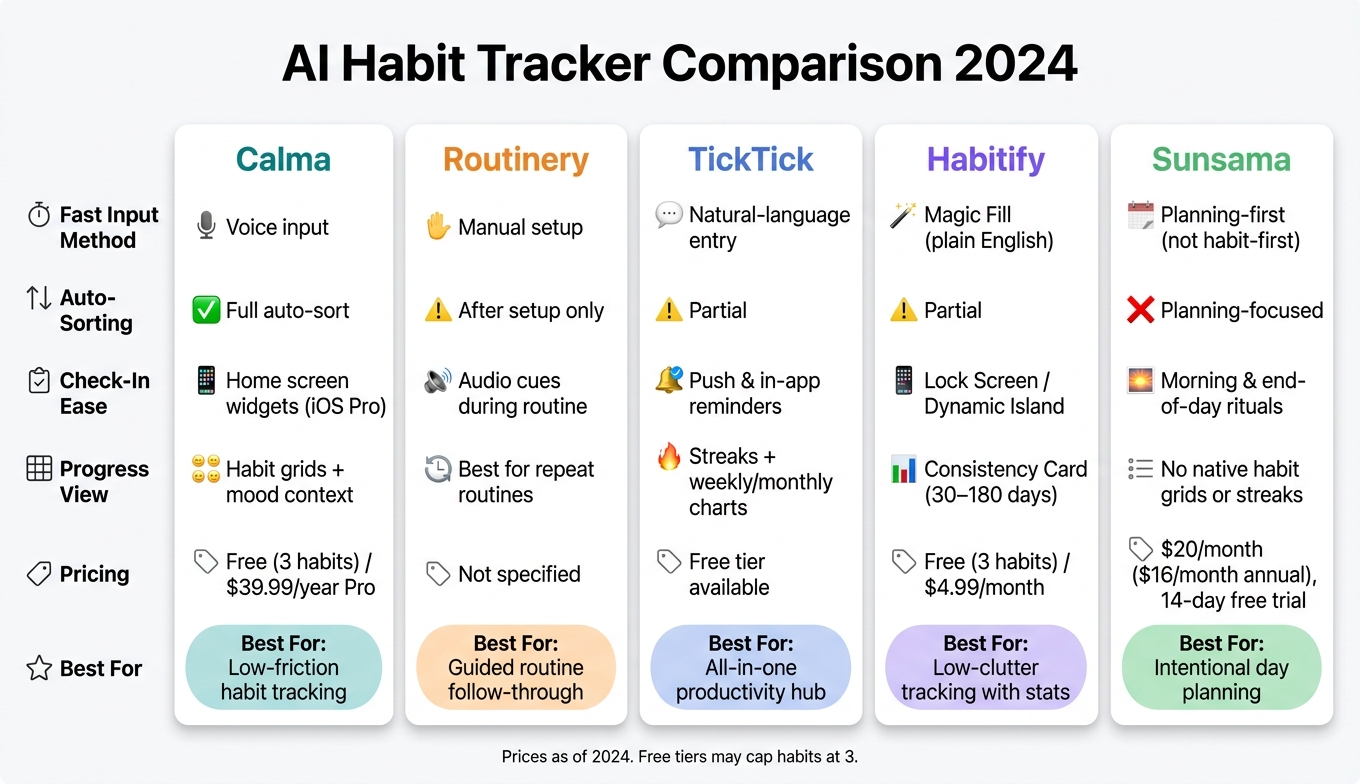
AI Habit Tracker Comparison: Features, Pricing & Best Use Cases
7 Best Habit Tracking Apps for Productivity in 2025
sbb-itb-1b3be24
Quick Comparison
| App | Fast input | Auto-sorting | Easy check-ins | Progress view | Best for |
|---|---|---|---|---|---|
| Calma | Voice input | Yes | Widgets on iOS Pro | Habit grids + mood context | Low-friction habit tracking |
| Routinery | Manual setup | Only after setup | Good during routines | Best for repeat routines | Guided routine follow-through |
| TickTick | Easy in-app entry | Partial | Reminders help | Streaks + weekly/monthly charts | One app for tasks and habits |
| Habitify | Plain-English setup | Partial | Lock Screen tools on iOS | Consistency view over 30–180 days | Low-clutter tracking with stats |
| Sunsama | Not habit-first | Planning-first | Daily planning rituals | No native habit grids or streaks | Intentional day planning |
My main takeaway is simple: the right app is the one that removes the most steps between thought, action, and review. If you lose momentum when typing, sorting, or switching apps, this comparison points to Calma as the strongest fit. If your problem is routine follow-through, Routinery makes more sense. If you want one hub, TickTick is the better pick.
1. Calma
Calma cuts down mental effort by turning quick thoughts into organized habits with very little manual work. It uses a clean interface and voice capture to lower cognitive load for people with ADHD and fast-moving thoughts, helping save ideas at the exact moment they often disappear.
That edge stands out most in four areas: capture, organization, check-ins, and progress tracking.
Fast Capture
Say a thought out loud, and Calma turns it into a task, journal entry, or habit entry without making you type.
Auto Organization
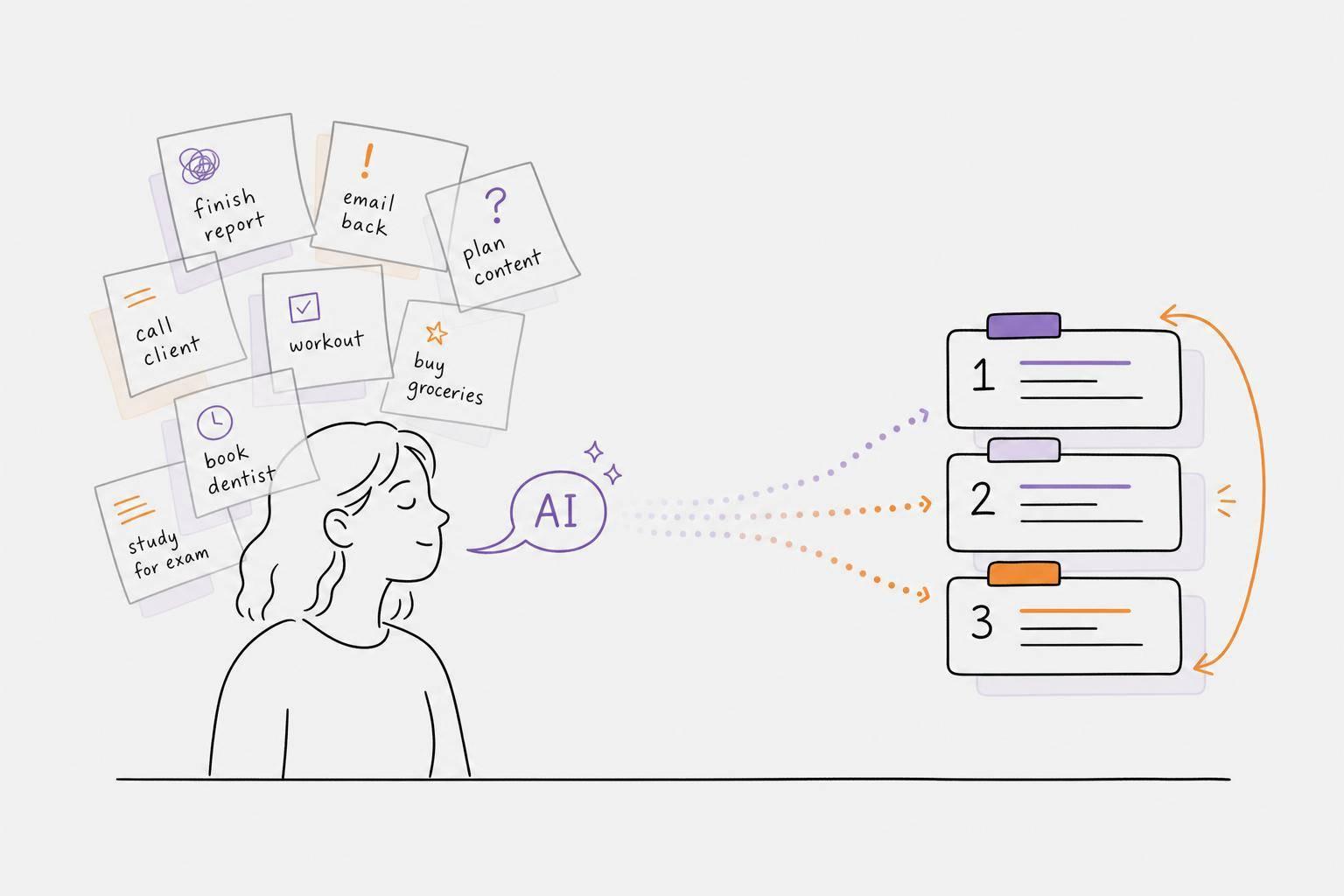
Calma picks up due dates, sorts priorities, and reschedules items when deadlines shift. That means fewer little choices to make during the day, which can help cut decision fatigue.
Quick Check-Ins
The minimal interface keeps daily check-ins light and easy. On iOS, Pro users can also log straight from home screen widgets.
Progress Visibility
If logging is simple, the next thing that matters is whether progress is simple to read. Visual habit grids make patterns easier to spot over time, and mood tracking adds context by showing how habits and mood move together.
2. Routinery
Routinery is built around one simple idea: once you start a routine, the app walks you through every next step. It uses back-to-back timers and audio cues to move you from one task to the next, so you don't have to stop and think, “What am I supposed to do now?”. That makes it a better fit for fixed routines than for quick, in-the-moment habits.
Fast Capture
This is where Routinery falls short. It needs manual setup instead of natural-language input or auto-tracking. You still have to choose the task, set a duration, and decide the order. For those looking for an ADHD productivity planner app, that can be a problem. If a thought shows up and needs to be logged right away, too many setup steps can mean the moment is gone.
Auto Organization
Once a routine is live, Routinery guides you through each step in order. That part is smooth. But the setup still has to happen first: you need to pick the tasks, assign durations, and place them in sequence yourself.
Quick Check-Ins
Audio cues handle each transition, so you don't have to keep logging progress during the routine. That's helpful when you're trying to stay in motion instead of poking at your phone every few minutes. The downside is the start. You still need to open the app and launch the routine, and Routinery doesn't use SMS or WhatsApp reminders to kick off that first step.
Progress Visibility
Its visual tracking works best with routines you repeat again and again. Routinery is better for something like a morning routine or evening reset than for random one-off habits scattered across the day. It's built as a visual tracker that can help repeated routines start to feel more automatic over time.
3. TickTick
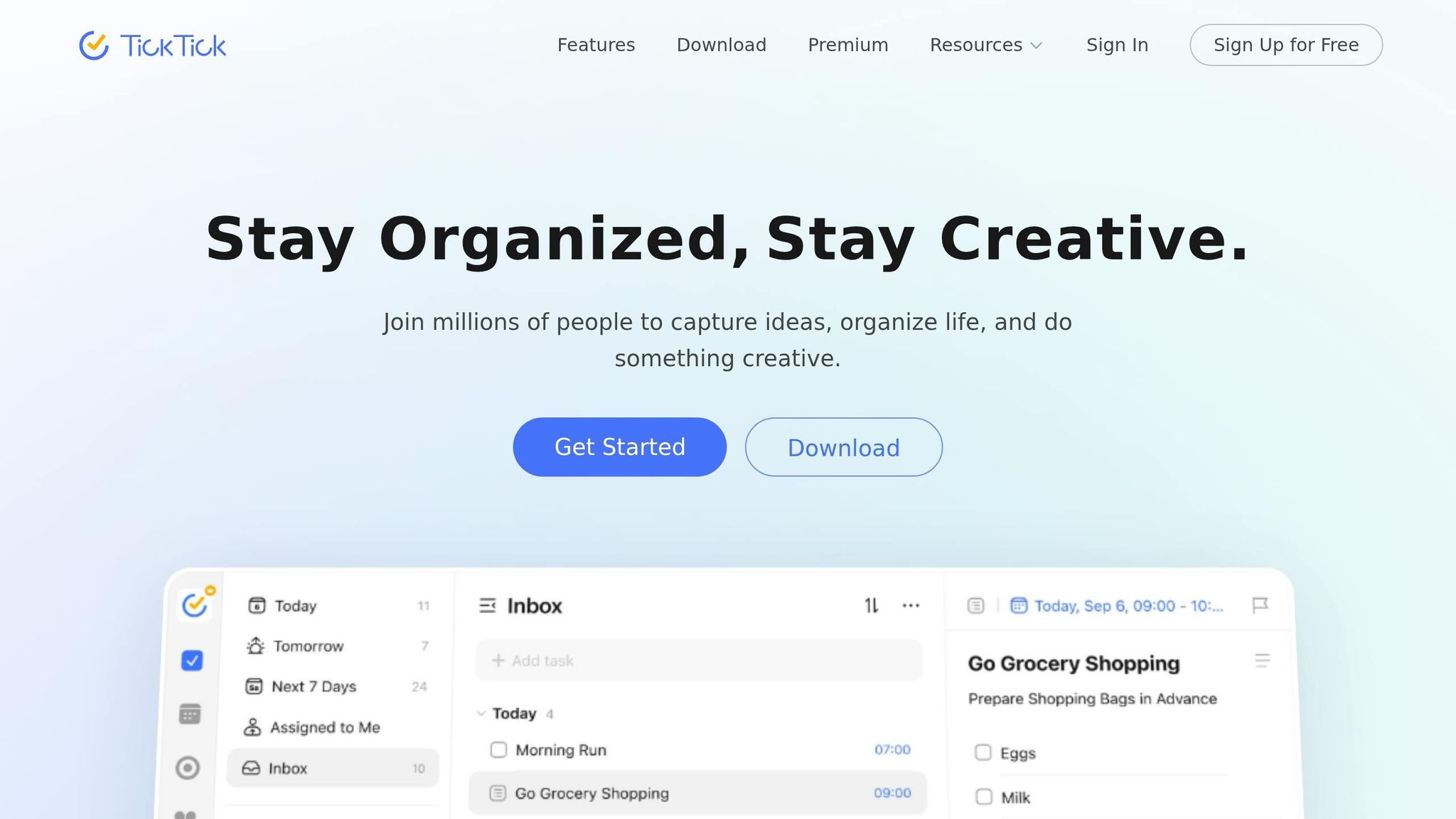
TickTick brings your habits, tasks, calendar, and focus timers into one place, which means less app-switching and less lost momentum. The upside is simple: fewer decisions, fewer interruptions, and fewer chances to forget what you're supposed to do next. Its main edge is cutting context switches before they throw you off.
Fast Capture
Because habits live right next to your regular to-do list, adding something new is easy. You don't need to jump to another app or break your focus to log it. Keeping everything in one hub cuts app switching and the mental drag that comes with it.
Auto Organization
You set a habit's frequency once, and TickTick places it on the right days for you. That said, you still need to create the habit yourself, including its frequency and priority. Push and in-app reminders also nudge you along, so you're not stuck trying to remember everything on your own.
Progress Visibility
TickTick shows your streaks in a graph, so you can check consistency at a glance. It also includes weekly and monthly charts that show completion trends over time. That makes it easier to spot patterns. TickTick stands out for tracking consistency inside a larger productivity system.
4. Habitify
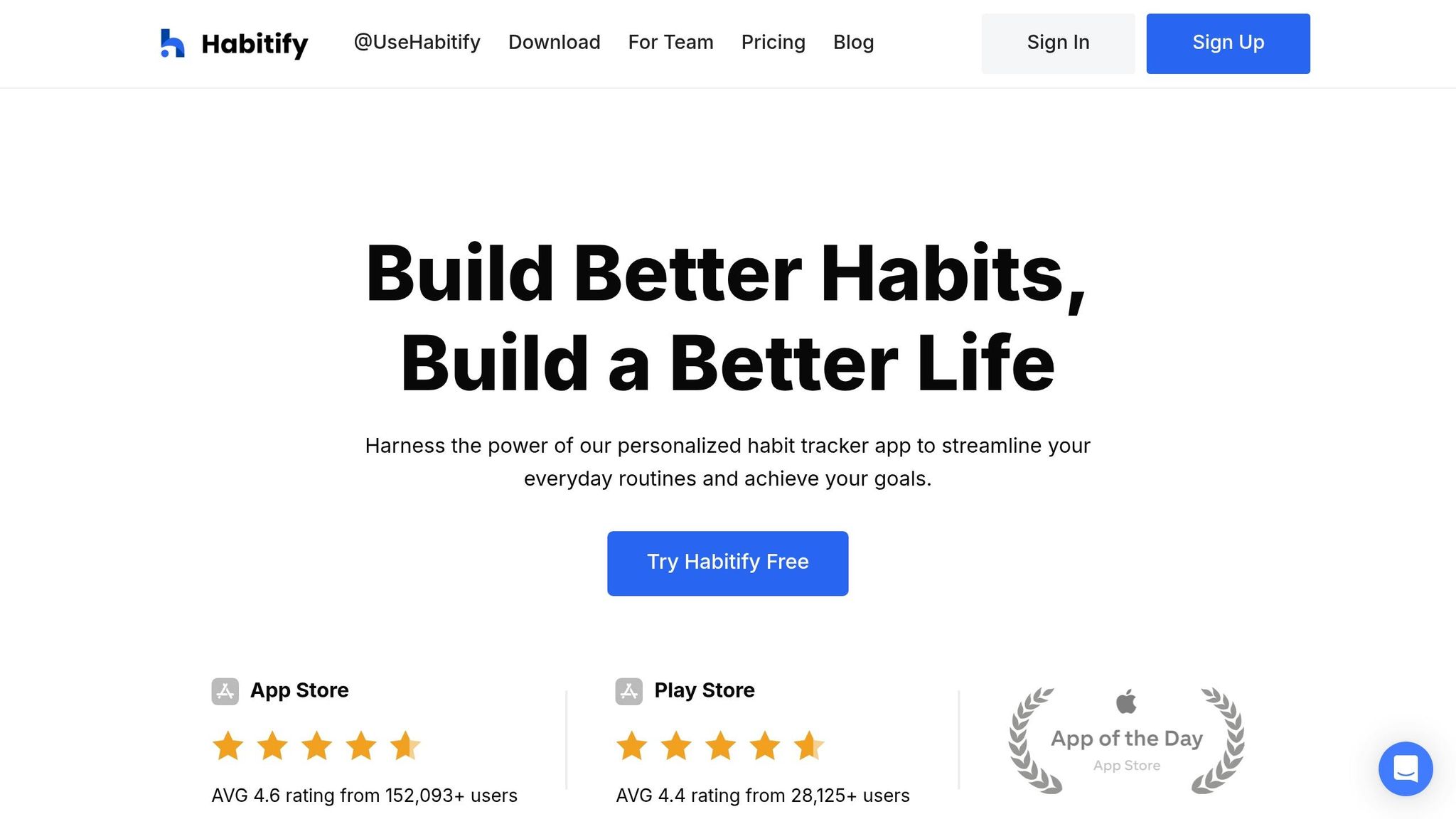
Habitify is built for people who want to shape the day around habits, not just record them later. For people with ADHD or fast-moving minds, that matters a lot. The big win here is less setup and fewer taps to log a habit, which cuts down setup friction, logging friction, and that all-or-nothing spiral.
Fast Capture
Habitify’s main setup feature is Magic Fill. You type a habit in plain English, and the app fills in the details for you. That makes it easier to save an idea in the moment instead of losing it while messing with settings.
Quick Check-Ins
On iOS, Live Activities adds a persistent check-in button to the Lock Screen or Dynamic Island, so you can log a habit without opening the app. Habitify also syncs across major devices, which means your check-in point stays close by on whatever device you’re using. That helps keep logging from turning into one more thing that pulls you off track.
Progress Visibility
Habitify doesn’t lean only on streaks. Its Consistency Card looks at consistency across 30 to 180 days instead of rewarding only perfect streaks. That’s useful if one missed day tends to knock the wind out of your routine. Habit notes also give you a way to add context, which makes pattern tracking more useful. This setup works best if you want low-friction tracking without putting all the weight on streaks.
The free tier includes three habits, and premium starts at $4.99/month.
5. Sunsama
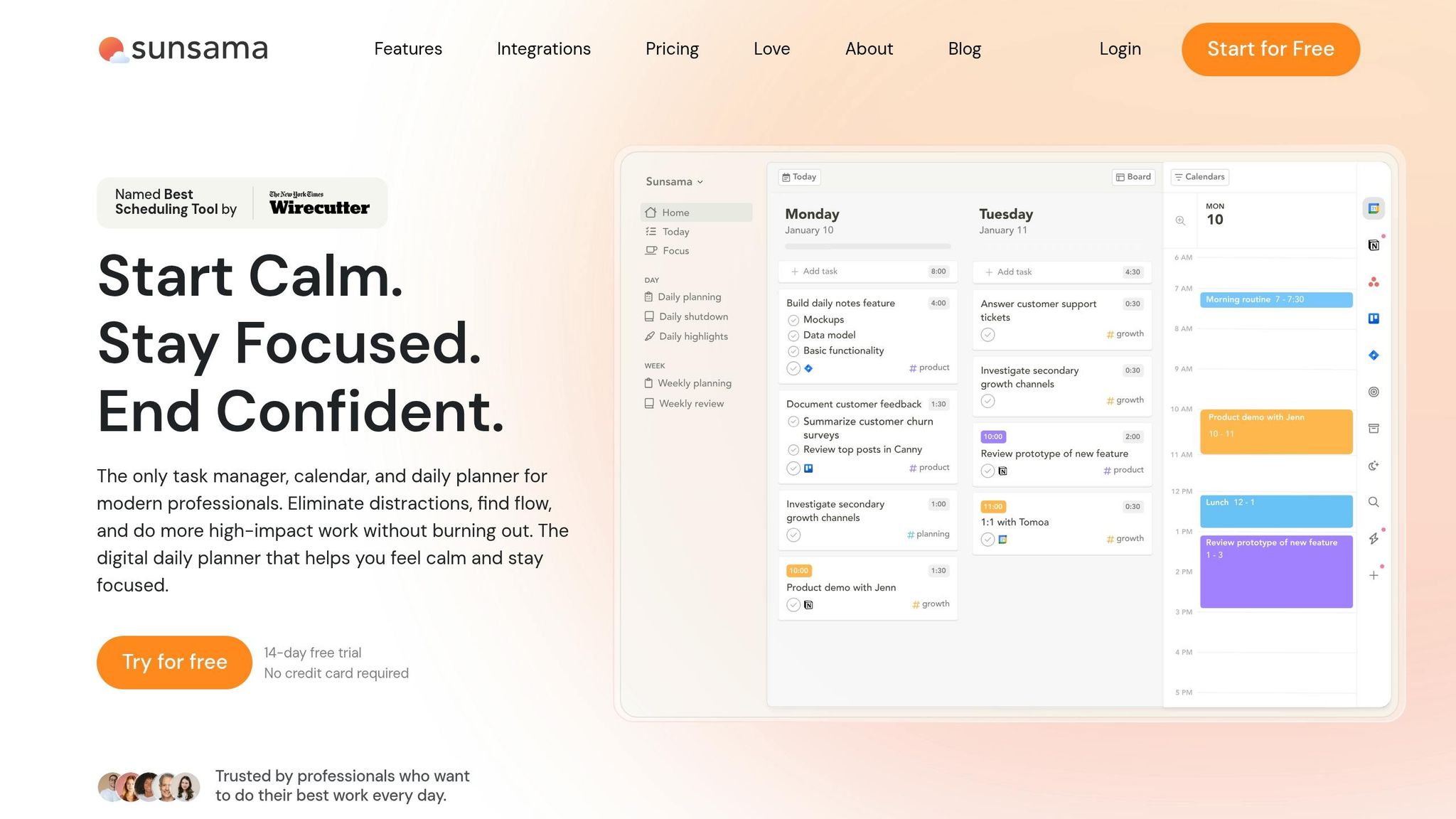
After fast logging, the next big win is having to make fewer choices about what to do next. Sunsama is built around planning first, not habit tracking. It doesn't use streaks or habit grids. But if you tend to pile too much onto your day, its setup can help you plan with a bit more honesty, using strategies that work with your brain.
Auto Organization
The main draw here isn't habit streaks. It's cutting down the mental clutter before your day even begins. Sunsama pulls tasks from Slack, Gmail, Trello, Asana, Jira, and Notion into one view, then lets you decide what actually belongs on your schedule. That matters because the app leans on human choice instead of trying to auto-run your day for you.
Quick Check-Ins
Sunsama uses a morning planning ritual that usually takes 5–15 minutes and an end-of-day review that takes about 5–10 minutes. It also shows a capacity warning when you've planned more than 5–6 hours of focused work, which can help stop the classic “I can do all of this today” mistake before it starts.
Progress Visibility
Sunsama doesn't include native habit tracking, streaks, or completion grids. It works best if you set up habits as recurring tasks inside your daily plan.
Pricing starts at $20/month, or $16/month when billed annually. There's also a 14-day free trial, and you don't need a credit card to start.
Feature Tradeoffs: Pros and Cons by Tracker
Every tracker cuts friction in its own way. But none does everything.
This is the core tradeoff: automation, structure, and logging speed. Some apps make capture almost effortless. Others give you more guidance or more planning control. The right pick depends on how your brain works day to day.
| Tracker | Strengths | Limitations | Best Fit |
|---|---|---|---|
| Calma | Voice capture, auto-prioritization, due-date detection, mood tracking, visual grids, minimal UI | Free plan caps habits at 3; voice AI, calendar integration, and widgets require Pro ($39.99/year) | Users who think faster than they type and want one low-friction system |
| Routinery | Step-by-step routine guidance, audio cues, no mid-routine logging required | Manual setup required; no natural-language input; no SMS or WhatsApp reminders to start routines | Users with fixed, repeating routines who need guided transitions |
| TickTick | Natural-language capture, all-in-one tasks, habits, and calendar in one hub | Can feel crowded; habit tools are secondary to task management | Users who want a single productivity hub |
| Habitify | Clean UI, flexible scheduling, strong analytics, Lock Screen check-ins via Live Activities | App must be opened manually to log; free tier limited to 3 habits | Data-oriented users who want low-clutter progress tracking |
| Sunsama | Pulls tasks from multiple integrations into one daily view, capacity warnings, structured planning rituals | No native habit tracking, streaks, or completion grids; starts at $20/month | Users who want to plan their day intentionally and manage workload before it piles up |
You can see the split pretty fast. Calma leans hard into speed and low-effort capture. Routinery is more about guided flow once a routine starts. TickTick tries to keep everything in one place, which can be handy if you hate app-hopping. Habitify gives you a cleaner tracking setup with stronger stats. Sunsama is less of a habit tracker and more of a day-planning system.
So the best option isn't the one with the most features on paper. It's the one that removes the most friction for the way you think.
Conclusion
Across all five tools, the same pattern shows up: the best habit tracker gets out of your way before friction breaks the habit. The biggest gains usually come from faster capture, less manual sorting, easier reminders, and progress you can read at a glance. For ADHD users, the best tracker isn’t just the one that logs habits. It’s the one that cuts down on decisions.
The simplest tracker is usually the one you’ll still open on hard days. So it helps to choose based on your main point of friction, whether that’s structure, visibility, or getting started fast. Voice capture matters a lot when typing, organizing, and jumping between apps kill momentum.
For readers who want the lowest-friction place to start, Calma fits that use case best. It’s built for people who think faster than they type, need to track habits, journal, and prioritize without juggling three separate apps, and want a UI that doesn’t add to their mental load. The fewer steps there are between a thought and an action, the more likely habit tracking is to stick. No tracker wins in every area, but the right one removes the most friction from your daily loop.
FAQs
What features matter most in an AI habit tracker?
For people with ADHD and fast-moving minds, the best AI habit trackers do one simple thing well: they make it easier to start.
That means less friction, more flexibility, and habits broken into clear next steps instead of vague plans that sit there untouched.
The features that matter most are things like voice-to-task conversion, smart prioritization, adaptive scheduling, visual progress grids, and quick feedback. Calma also adds emotion tracking, automatic due date detection, and structured logging, which can make staying consistent feel a lot less mentally draining.
How can an AI habit tracker help with ADHD?
AI habit trackers can help people with ADHD by acting like an external brain. That matters because they take some of the mental strain out of remembering, sorting, and managing tasks day to day.
Tools like Calma can turn voice notes into structured tasks and habit logs. Instead of forcing someone to stop, type, and organize everything on the spot, the tool helps do that part for them.
That’s where features like smart prioritization, flexible scheduling, and visual progress grids come in. They can cut down on overwhelm, support working memory, and make the whole process feel less heavy. And because they don’t rely on rigid streaks, they also help people avoid the guilt that often comes with missing a day.
Should I choose voice input or manual habit logging?
For fast thinkers and people with ADHD, voice input often works better because it cuts the mental work of logging by up to 80%. It also lets you catch ideas in 10–15 seconds before they disappear.
When you skip the extra sorting and split-second choices that typing often brings, voice input lowers cognitive friction. Tools like Calma can structure those inputs for you automatically.