Checklist for ADHD-Friendly Habit Systems
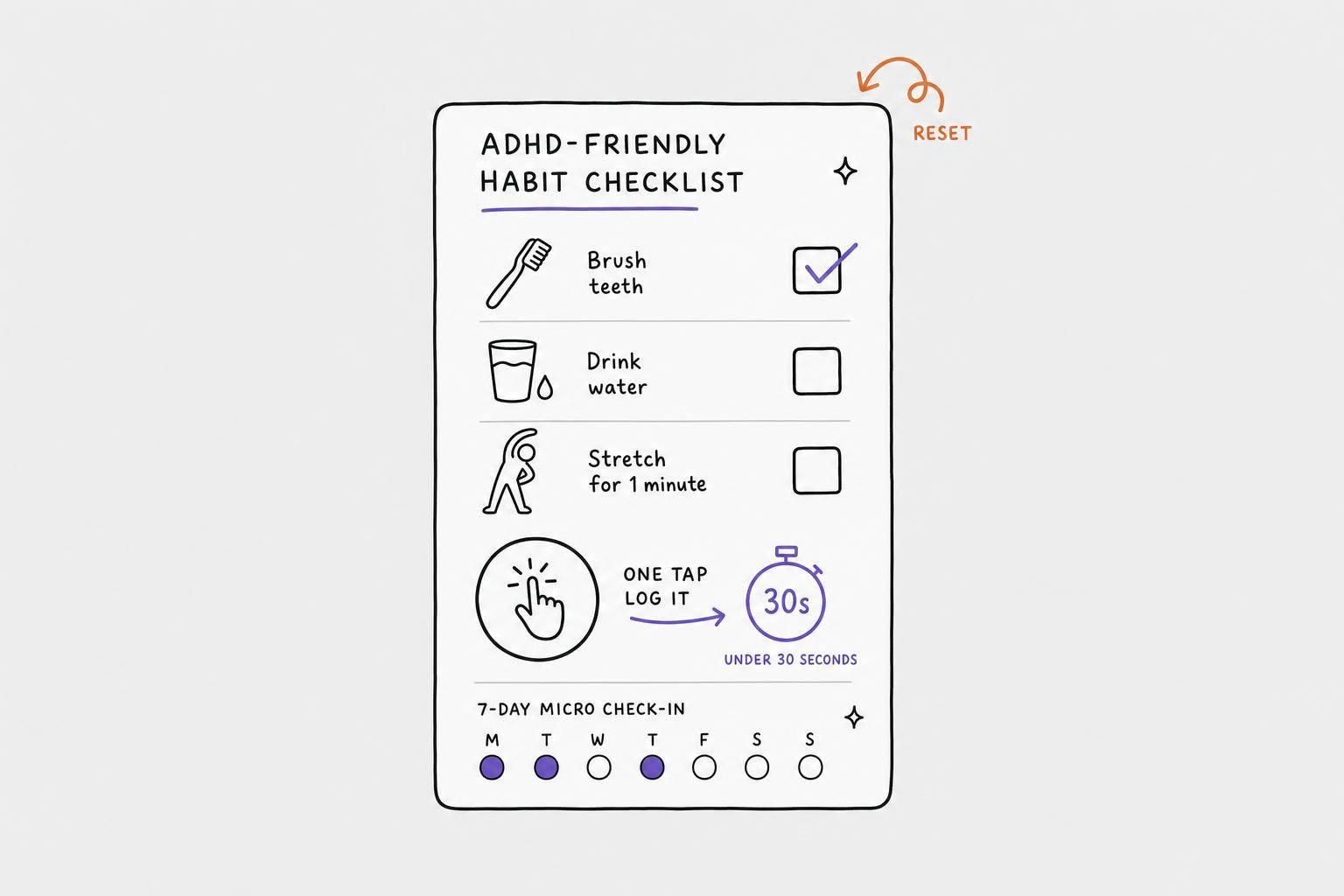
Most habit systems fail for ADHD for one simple reason: they ask for too much at the wrong time. If I want a habit system to last, I need three things first: logging that takes 30 seconds or less, a setup that does not punish missed days, and one place to see tasks, habits, and reminders together.
Here’s the short version:
- I keep logging to one tap, a widget, or voice input
- I track habits by weekly frequency like 4 out of 7 days, not streaks
- I use 1 to 3 small habits that take about 30 to 90 seconds
- I tie each habit to an anchor I already do, like pouring coffee or brushing my teeth
- I set reminders at transition points in the day, with a clear next step
- I use a minimum version for low-energy days so I can restart fast
- I do a short weekly reset and a 10-minute monthly audit
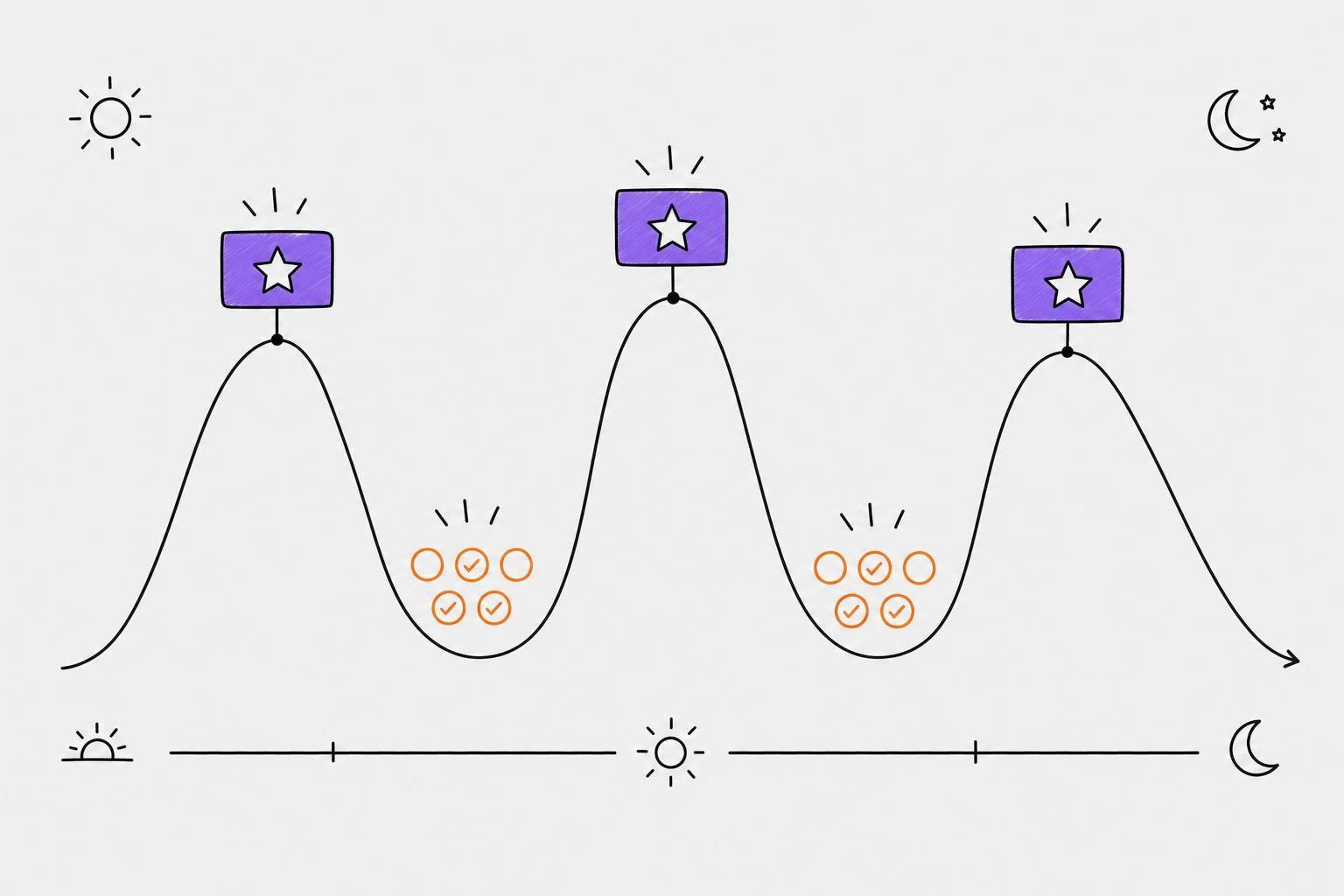
That’s the core idea: make habits easy to log, easy to see, and easy to restart. If I miss a day, that is not failure. It is feedback. And if I can hit a habit 5 out of 7 days, that still counts as a win.
A simple way to judge any system is this: Does it still work on a messy Tuesday, or only on my best day? If the answer is “best day only,” I need to shrink the habit, change the anchor, or cut steps with brain-first planning.
| Check | What I look for |
|---|---|
| Logging | One tap, widget, or voice note in 30 seconds or less |
| Missed days | Progress stays visible after one miss |
| Schedule | 3 to 4 days per week instead of every single day |
| Habit size | Small action I can do in 30–90 seconds |
| Reminders | Clear cue tied to time or place |
| Review | Short daily check, weekly reset, monthly fit check |
Below, I’d keep the focus on friction: what slows me down, what adds too many steps, and what makes restarting harder than it should be.
Why Habit Trackers Don’t Work for ADHD + What to Try Instead
sbb-itb-1b3be24
Core Checklist: Signs Your Habit System Works for ADHD
Start with three tests: speed, recovery after missed days, and whether everything sits in one view. Go in that order. First, see how fast logging feels. Then look at what happens when you miss a day. After that, check whether your whole setup is easy to scan without bouncing between apps.
Logging a Habit Takes 30 Seconds or Less
If logging feels like a chore, it probably won't stick. On low-energy days, even a small bit of friction can throw the whole thing off.
- ☐ You can log a habit in 30 seconds or less, even on a low-energy day
- ☐ Logging requires minimal typing - ideally one tap
- ☐ A home-screen widget lets you check in without opening the app
- ☐ Visual progress - a simple grid or progress bar - is visible at a glance
Calma's visual habit grids and widgets keep check-ins fast and easy to see.
Missed Days Do Not Erase Progress
Once logging is easy, look at how the system handles a missed day. Broken streaks can wreck momentum, so it's better to use a setup that doesn't drop your progress to zero after one miss.
- ☐ The system uses rolling windows or weekly frequency, such as 4 out of 7 days, instead of consecutive-day streaks
- ☐ You can skip a day without losing all visible progress
- ☐ The language and visuals around a missed day are neutral, not punishing
- ☐ You have a minimum version of each habit defined, such as "put on shoes" counting on low-capacity days
Tasks, Habits, and Reminders Live in One Place
The last check is simple: does the system keep today in one place, or does it scatter things across multiple apps? This is a working-memory test. Fewer app switches usually mean fewer chances for the whole setup to break down.
- ☐ Tasks, habits, and reminders are all visible in one main dashboard
- ☐ Reminders are set at natural transition times like 8:00 AM, 12:30 PM, or 7:00 PM
- ☐ Alerts include specific context, such as "Meds are next to the coffee maker", rather than a generic nudge
- ☐ You can review what needs attention today without jumping between multiple lists
Setup Checklist: Build a Habit System You Will Actually Use
Now turn those tests into a setup you’ll stick with: choose an ADHD productivity planner app, begin with a few tiny habits, and line your reminders up with the way your day already works.
Pick 1 Tool With Fast Logging and Clear Visuals
Before you commit, run the tool through three simple checks:
- ☐ It has a visual progress grid or dashboard you can see without digging through menus
- ☐ Logging a habit takes one action - one tap or a voice command
- ☐ It allows flexible scheduling, like "weekdays only" or "3x per week"
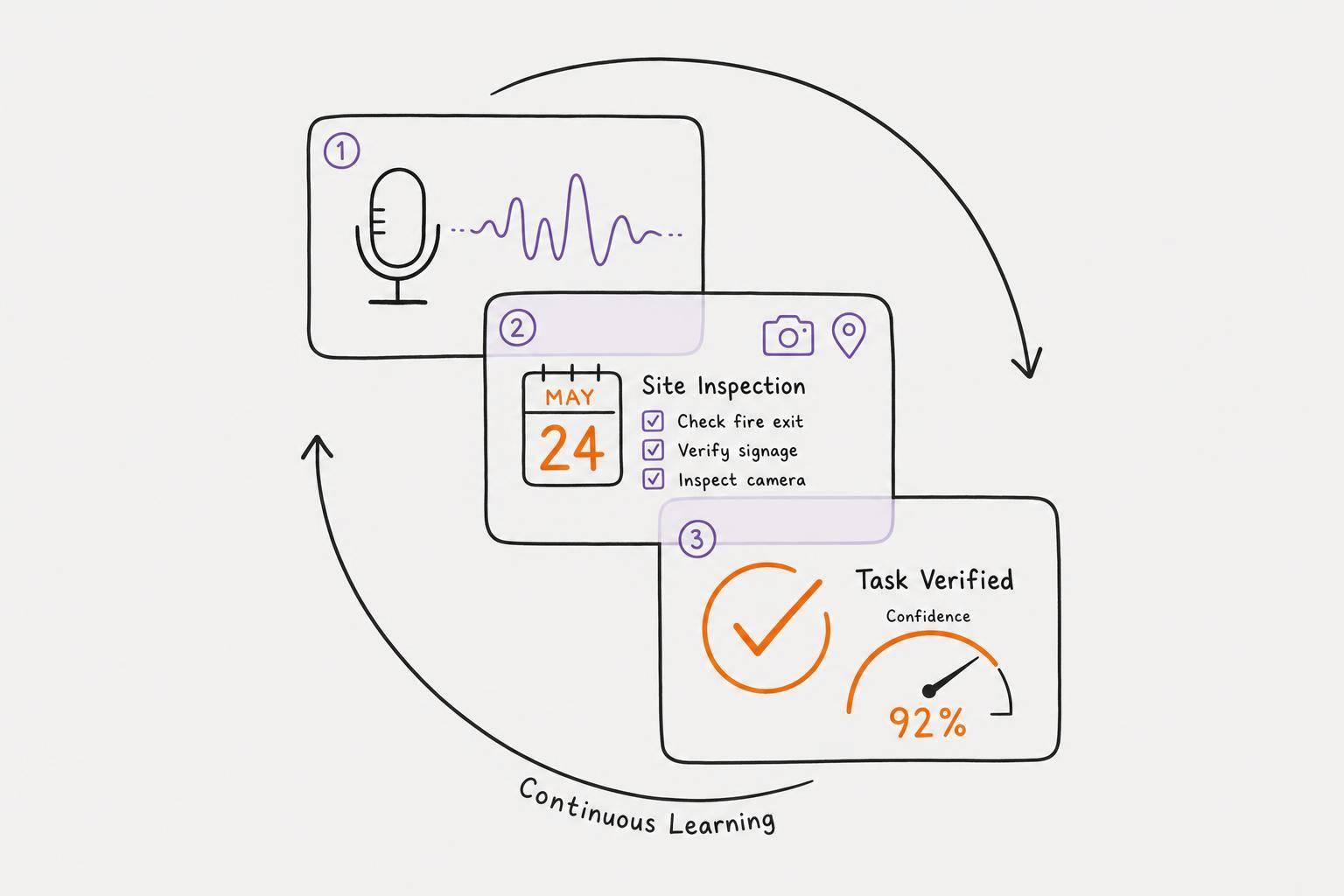
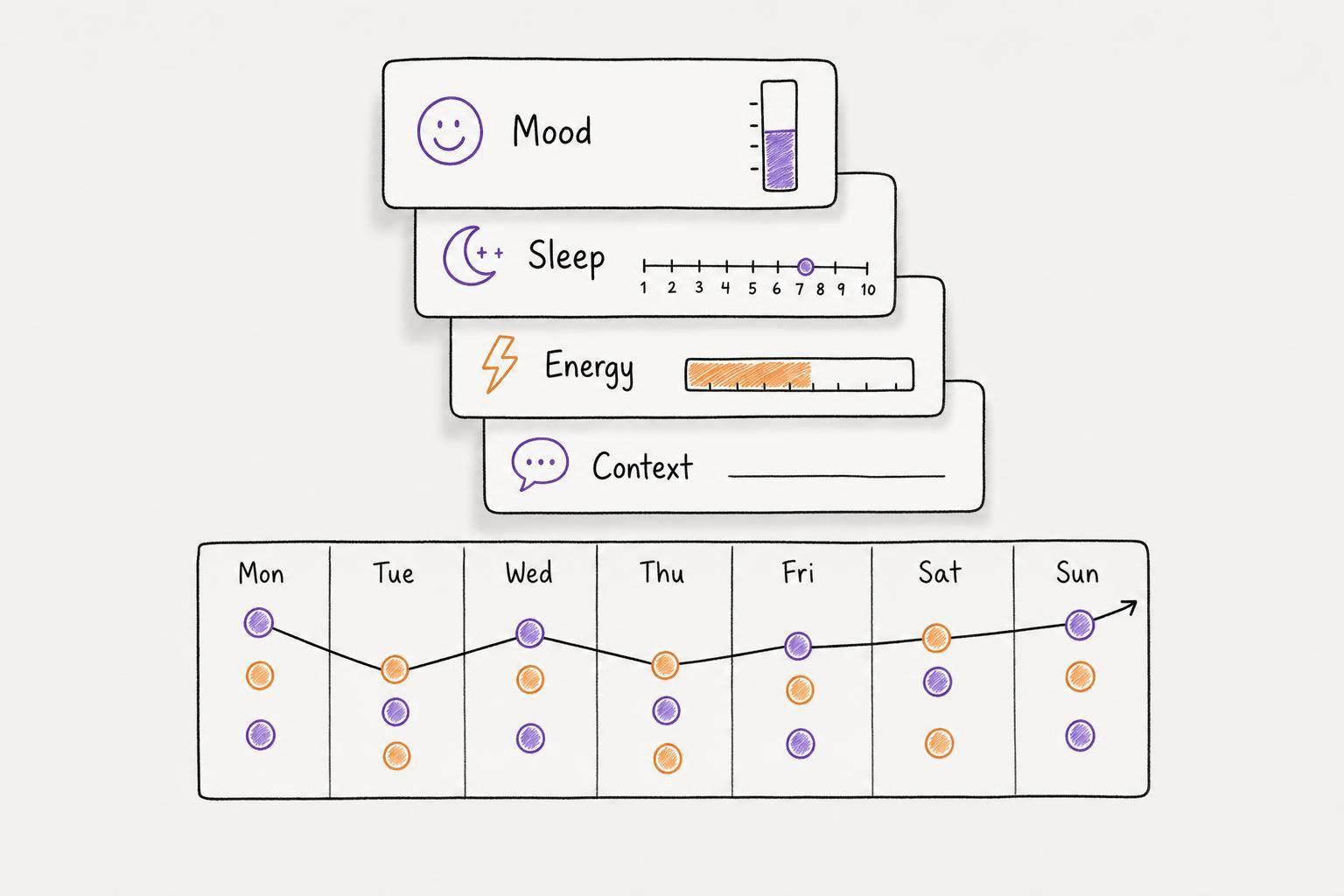
Calma brings voice-to-task conversion, smart prioritization, automatic due date detection, emotion tracking, and visual habit progress grids into one place.
Once your tool is set, use it only for habits that are small enough to repeat even on low-energy days.
Start With 1 to 3 Small Habits Tied to Daily Anchors
Start with 1 to 3 habits so you don’t overload yourself. Each habit should be small enough to finish in 30 to 90 seconds.
One of the best ways to make a habit stick is to attach it to something you already do every day. Use this formula: "After I [existing anchor], I will [new small habit]." For example, "After I pour my morning coffee, I will take my vitamin".
Anchors like morning coffee, your desk, or school drop-off work well because they already happen on autopilot. You’re not depending on yourself to remember the time.
| Habit Goal | Minimum Version (30–90 Seconds) | Suggested Anchor |
|---|---|---|
| Exercise | Put on workout shoes and step outside | After closing your work laptop |
| Hydration | Drink one small glass of water | After morning coffee is poured |
| Journaling | Write one sentence or one bullet point | After sitting in bed at night |
| Medication | Pick up the bottle | After brushing teeth |
After your habits have anchors, give them the lightest schedule that still keeps them in view.
Set Reminders, Schedules, and Mood Notes That Fit Your Day
Set the schedule to 3 to 4 days per week. That bit of flexibility helps the system hold up when life gets messy.
For reminders, get specific. A notification like "Take vitamins - they're next to the sink" works much better than a vague nudge. If you use digital alerts, place them at natural points in your day, like weekdays at 7:30 AM. Then add a quick note to each check-in: one word, a tag, or an icon. It only takes a few seconds, and over time it can show which conditions help you follow through and which ones don’t.
- ☐ Schedule is set to a realistic frequency like 3 or 4 days per week
- ☐ Reminders are placed at natural points in the day, such as weekdays at 7:30 AM
- ☐ Each reminder names the next step, such as "vitamins by the sink"
- ☐ Each check-in includes one quick note, tag, or icon
Maintenance Checklist: Keep the System Easy to Follow
After setup, the aim is simple: keep things light. That means short check-ins, quick resets, and using strategies to plan your day with ADHD that lower the bar for what counts as a good day.
Daily Check-Ins Stay Short and Predictable
Keep your daily check-ins to just a few minutes:
| Check-In | Timing | What to Do |
|---|---|---|
| Morning Review | During your anchor (e.g., coffee) | Check the minimum version of each habit for the day |
| Midday Scan | 1:00 PM – 2:00 PM | One-tap check on morning habits |
| Evening Check-In | 8:00 PM – 9:00 PM | Log what happened |
Miss a day? Log it, then move on. The next day, use the smallest version.
If the same problems keep showing up, use the weekly reset to tighten the system.
Weekly Resets Clear Friction Before It Builds Up
Once a week - Sunday evening or Monday morning both work well - take a look at your progress grid. You’re not scoring yourself. You’re just looking for patterns.
- ☐ Review the progress grid to spot which days you keep missing
- ☐ Pause any habit skipped 3 or more times in the past week - don’t delete it, just pause it
- ☐ Scale down habits that feel like chores - shrink them to a version that feels almost too easy
- ☐ Keep active habits capped at 1 to 3 until the routine starts to feel automatic
Treat missed days like system feedback. Change the anchor, shrink the habit, or pause it.
If logging is the part that trips you up, voice notes can make that step much easier.
Voice Capture Can Cut Down on Planning Friction
A lot of habit systems fall apart at the logging step. When typing feels like a chore, use voice notes for habit logs and journal entries instead. Calma can turn those voice notes into structured logs.
Audit and Wrap-Up: A Simple Test for Long-Term Fit
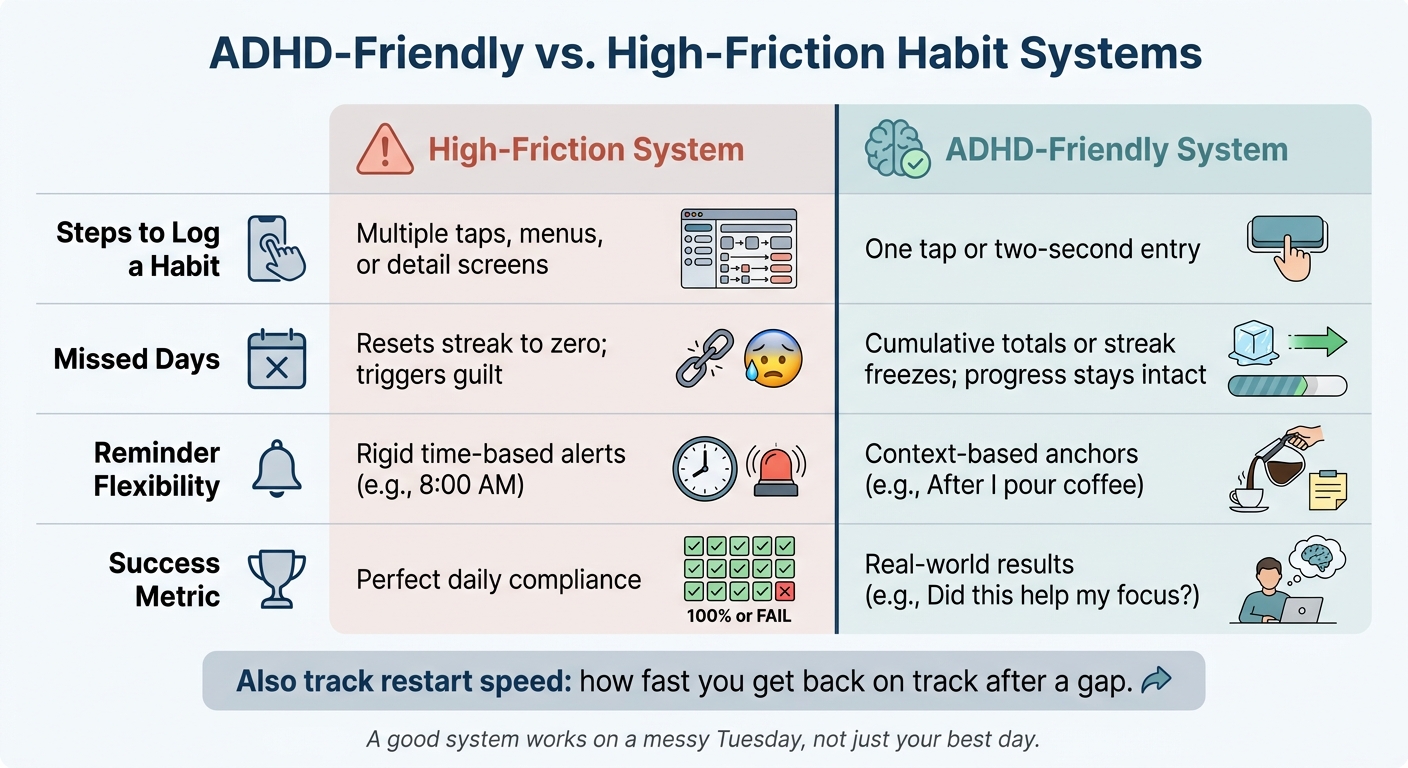
ADHD-Friendly vs. High-Friction Habit Systems: Key Differences
Once a month, set aside 10 minutes and ask one honest question: does this system still fit my current energy and schedule? Look at your average week, not your best one. If the system only works on good days, it’s too fragile.
Run a Monthly Audit With a Quick Comparison Table
This monthly audit helps you catch drift before the system gets hard to restart. Compare what your system actually does with what an ADHD-friendly system should do. If your setup looks more like the left column than the right, that’s your cue to simplify.
| Feature | High-Friction System | ADHD-Friendly System |
|---|---|---|
| Steps to log a habit | Multiple taps, menus, or detail screens | One tap or two-second entry |
| Missed days | Resets streak to zero; triggers guilt | Cumulative totals or streak freezes; progress stays intact |
| Reminder flexibility | Rigid time-based alerts (e.g., "8:00 AM") | Context-based anchors (e.g., "After I pour coffee") |
| Success metric | Perfect daily compliance | Real-world results (e.g., "Did this help my focus?") |
Also track restart speed: how fast you get back on track after a gap.
Key Points to Keep the System Going
If the audit shows friction, simplify one part before next month.
Stick with habits that are fastest to log, easiest to shrink, and simplest to restart. Keep logging fast. Stay at 1–3 habits until the routine starts to run on autopilot. Use context-based reminders instead of rigid time alerts. And if a habit starts to feel like a chore, shrink it instead of dropping it.
When the system feels heavy, that isn’t a personal failure - it’s feedback. Adjust the tool, the habit size, or the anchor, then keep moving.
Keep the system light: fast logging, 1–3 habits, and context-based reminders. Use voice capture or visual grids only if they make things easier.
FAQs
How do I choose the best habit anchor?
Choose physical objects and routines you already do, instead of time-based cues. With ADHD, time can slip by fast, so “at 8:00 a.m.” often works worse than something you can see or touch.
Pick an anchor that runs on autopilot. Think brushing your teeth, putting on your shoes, or starting the coffee maker. If it already happens every day without much thought, it’s a much better cue.
Also, don’t lean on a single trigger. Use two or three anchors at the same time so you get more than one shot to follow through. Calma can help here with organized, visual reminders that lower cognitive load.
What should I do after missing several days?
After you miss a few days, skip the shame spiral and just begin again. A missed day is data, not failure.
Pause for a second and look at what got in the way. Then make the habit smaller or easier to restart. Tools like Calma can lower the barrier to getting back into your routine, without the pressure of keeping a perfect streak.
How can I tell if my habit system is too hard?
Your habit system is probably too hard if tracking it takes more effort than the habit itself.
That’s usually the first red flag.
If your setup needs a lot of prep, too many clicks, or steady upkeep just to keep it running, it’s likely overbuilt. A habit system should make things easier, not turn into its own side job.
A few other warning signs tend to show up fast:
- You feel shame after missing a single day
- You start wanting to quit altogether
- The system only works when you’re having your BEST days
- It adds anxiety instead of giving support
A good system should help you keep going on messy, normal days too. If it only works when life is calm and your motivation is high, it’s asking too much.