Best Tools for ADHD Time Blocking
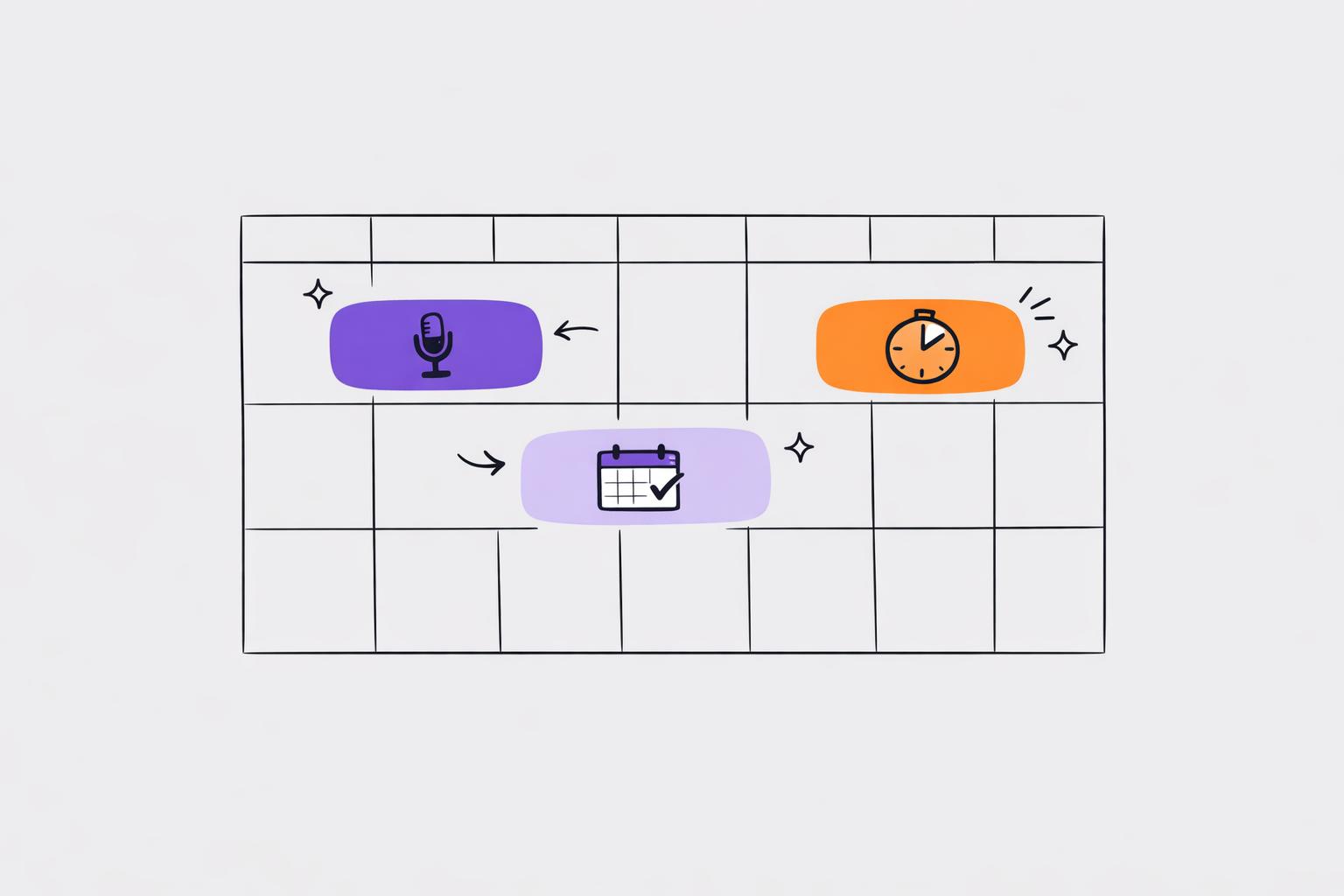
Time blocking can help people with ADHD manage tasks by planning your day with specific time slots. This approach tackles challenges like time blindness, decision fatigue, and task-switching difficulties. ADHD task management apps designed for users often include visual timelines, flexible scheduling, and low-effort task input. Here's what you need to know:
-
Key Features ADHD Users Need:
- Visual representation of time (e.g., color-coded blocks, timelines).
- Flexible rescheduling for tasks taking longer than expected.
- Quick and simple task input, such as voice-to-task tools.
- Support for prioritization and smooth task transitions.
-
Top Tools for ADHD Time Blocking:
- Calma: AI-powered voice-to-task conversion, smart prioritization, and habit tracking. (Starts at $2/week or $39.99/year).
- Google Calendar: Free, color-coded events, and Focus Time blocks.
- Temporal: Natural language scheduling and focus hour protection ($9/month).
- Time Timer Original: Physical timer with a shrinking red disk to visualize time ($29.95–$43.95).
- DuePal (iOS): Countdown timer visible on your phone’s Dynamic Island ($1.99 one-time).
- Tempus (iOS): Visual timeline with alarms (Free–$79.99 lifetime).
Quick Tip: Combine tools for better results - use Calma for task organization, a digital calendar for scheduling, and a visual timer to stay on track during work sessions.
Time-Blocking Template You Can Start Using Today (ADHD edition)
For more help, check out our ADHD productivity planner app guide to find the right system for your workflow.
sbb-itb-1b3be24
What ADHD Users Need in Time Blocking Tools
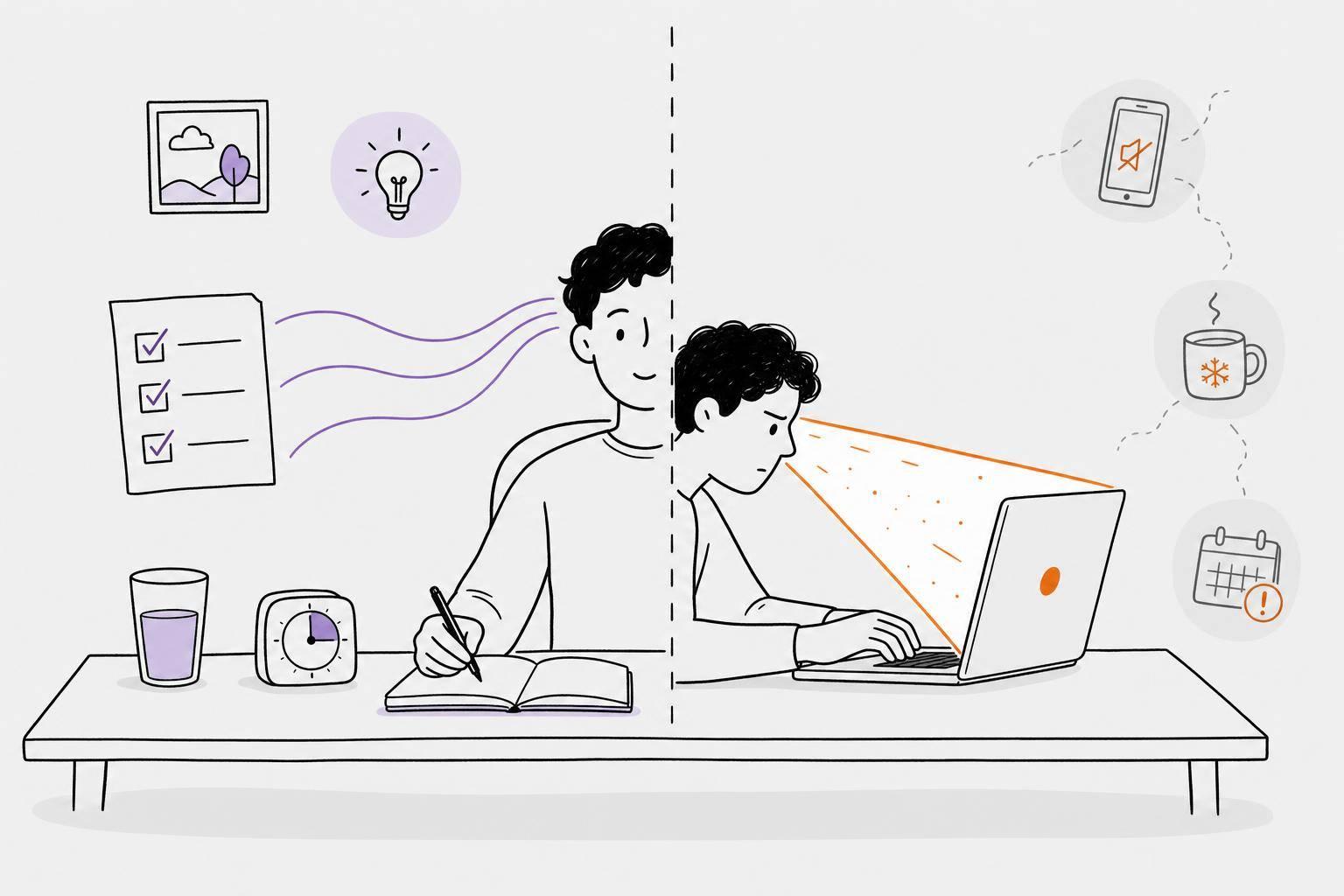
ADHD time blocking requires tools that cater to the unique ways ADHD brains process time and tasks. Many standard time management tools fall short because they assume users can maintain steady motivation, manage task-switching easily, and rely on an internal sense of time - abilities that can be challenging for those with ADHD.
To be effective, ADHD time blocking tools need to address these specific hurdles. They must tackle challenges like time blindness and hyperfocus while offering features that don't rely on built-in self-regulation.
"ADHD minds focus on immediate versus distant tasks. Future tasks feel abstract and unreal until they become urgent." - Phuc Doan, 10000Hours
Visual Representation of Time
How a tool displays time can make or break its usefulness for ADHD users. Many struggle to perceive time passing, so static task lists often fall flat. Tools that use visual timelines or color-coded calendar blocks make time more tangible. For example, a countdown timer can create a real sense of urgency compared to simply reading "3:00 PM – Report" on a list.
Flexibility and Scheduling Adjustments
Rigid schedules can quickly fall apart for ADHD users. A task taking longer than expected or hyperfocus extending into the next block can derail the entire day. Tools that allow for easy rescheduling reduce the mental effort needed to adjust plans. Features like energy-based scheduling - where demanding tasks are done during peak alertness (usually 2–4 hours after waking) - and a 25% buffer rule to account for time optimism are much easier to manage with flexible tools.
Low-Friction Task Capture
Capturing tasks needs to be quick and simple. If recording an idea requires opening an app, navigating menus, and typing, it’s easy for the thought to slip away. Tools with voice input provide an instant, low-effort way to capture tasks and reduce the cognitive load.
"The brain dump feature alone is worth it. I use it every morning to clear my head and actually get a plan." - Sam T., Software Engineer, FlowADHD
Prioritization and Transition Support
Effective tools also help with prioritization and transitions. Without clear prompts, ADHD users may default to tasks that feel easier or more interesting, rather than focusing on what’s most important. Features like prioritization cues and scheduled reminders make these transitions smoother and help users stay on track. These elements complete a well-rounded approach to ADHD time blocking.
Calma: A Voice-First AI Tool for ADHD Time Blocking
Calma is an AI-powered planner tailored specifically for individuals with ADHD. With this tool, you simply speak, and the AI transforms your voice notes into tasks, prioritizes them, and creates a structured plan - all in seconds.
"Turn chaotic thoughts into organized tasks in 30 seconds. Built for ADHD minds." - Calma App Description
Features Designed for ADHD Time Management
Calma stands out with features that cater to the specific challenges of ADHD, making time blocking more manageable and effective.
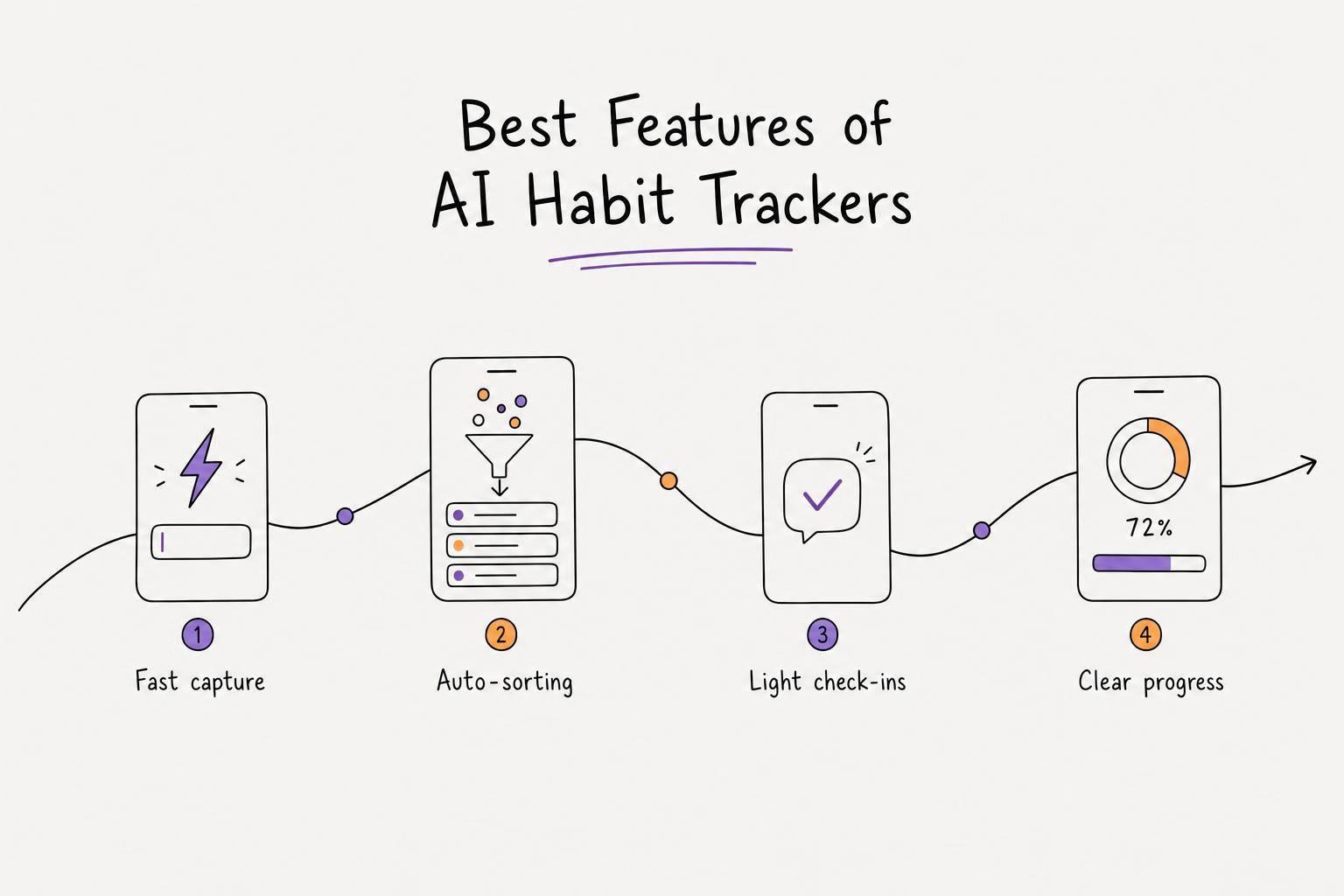
One key feature is voice-to-task conversion. You can record a voice note, and within about 30 seconds, the AI extracts tasks, assigns priorities, and identifies due dates. This ensures that no task is forgotten and helps maintain smooth transitions between activities.
Smart prioritization eliminates the need to decide what to tackle first. Based on your voice input, the AI arranges tasks by urgency, ensuring your schedule highlights what truly matters, keeping your time blocks on track.
Calma also offers visual habit tracking with pixel grids. These grids provide instant feedback on habits like exercising or journaling, delivering a dopamine boost that reinforces routine-building. Additionally, emotion tracking analyzes your mood - such as anxiety or stress - through voice journal entries, offering insights into how emotions influence your productivity and helping you adjust your plans accordingly.
| Feature | How It Supports Time Blocking |
|---|---|
| Voice-to-Task Conversion | Instantly captures tasks without manual input, ensuring seamless task transitions |
| AI Prioritization | Automatically orders tasks by urgency, keeping time blocks focused on high-priority items |
| Visual Habit Grids | Offers visual progress feedback to encourage and maintain daily routines |
| Emotion Tracking | Tracks mood patterns to help align productivity with emotional well-being |
| Home Screen Widgets | Allows quick task reviews without disrupting your active time block |
Subscription Plans and Features
Calma offers four subscription tiers, starting with a 7-day Grace Period. During this trial, you get full access to voice AI features, manual task creation, on-device transcription, and habit tracking for up to three habits. This lets you test whether the app’s voice-first approach complements your workflow.
After the trial, the Free plan continues to offer manual task creation, basic habit tracking (up to three habits), and on-device transcription - but disables voice AI features. This is worth noting for users who depend heavily on voice input.
For uninterrupted access to all features, the Pro Weekly plan costs $2 per week, unlocking voice-to-task conversion, voice journaling, calendar integration, iOS widgets, and unlimited habit tracking. Alternatively, the Pro Annual plan is available for $39.99 per year, providing a cost-effective option for long-term users. These plans are designed to support your time-blocking needs seamlessly.
A Design That Eases the Mind
Calma’s interface complements its features with a design aimed at reducing cognitive load. Its dark, minimalistic layout includes simplified menus and fewer buttons, helping to minimize decision fatigue and avoid overwhelming users. This thoughtful design has earned the app a 4.8/5 rating on the Apple App Store (as of June 2026). Additionally, its widgets allow you to log habits or review tasks without interrupting your current time block.
"Voice input removes the barrier of typing and organizing - AI does the executive function work for you." - Calma App Description
Digital Calendars for Time Blocking
Digital calendars offer a practical way to bring structure to your day, especially for those with ADHD. The challenge often lies not in remembering tasks but in grasping how time flows. These tools turn abstract to-dos into a visible, scheduled plan, making time more tangible. By laying out your day visually, digital calendars make time blocking a straightforward and effective strategy.
One standout feature is color coding, which helps you see your schedule at a glance. For example, Google Calendar allows you to assign colors to different categories - like work, personal, or health - giving you an instant snapshot of how your time is divided.
Several digital calendars are designed to improve time awareness, offering features that cater to ADHD-specific needs.
Calendar Tools Worth Using for ADHD
Google Calendar is a great starting point. It’s free, works seamlessly across devices, and includes helpful tools like color-coded events, recurring tasks, and Focus Time blocks to reduce distractions. If you’re using a Workspace plan, its Gemini AI feature can even suggest scheduling options, although the core time-blocking tools work perfectly well without AI.
For those who want more automation, Temporal offers a unique experience. Instead of manually adjusting your schedule, you can use plain language commands - like saying, "Move my design review to Thursday" - and the calendar updates itself. Temporal costs $9 per month and was created to simplify daily planning. Its founder, Mykyta, explains:
"Every morning I opened Google Calendar, then Todoist, then back to Calendar. Three apps just to know what my day looked like. So I built what I wished existed." - Mykyta, Founder, Temporal
Temporal also helps by identifying your peak focus hours and automatically shielding that time from meetings, ensuring your most productive moments are protected.
Digital Calendar Features Side by Side
| Tool | Standout ADHD Feature | AI Scheduling | Price |
|---|---|---|---|
| Google Calendar | Color-coded blocks + Focus Time silencing | Basic (Gemini, Workspace plan) | Free for personal use |
| Temporal | Natural language scheduling + focus hour protection | Yes (full) | $9/mo or ~$7.67/mo quarterly |
For those who prefer more control, look for tools that allow a "Suggest" mode. This feature proposes changes for your approval rather than making automatic adjustments. Temporal offers this flexibility, giving you the confidence to rely on the system while still maintaining oversight.
Visual Timers and Time Awareness Tools
One of the biggest hurdles for people with ADHD isn’t just forgetting tasks - it’s completely losing track of time. You might sit down to work, only to glance up and realize hours have flown by. That’s where visual timers come in. They make time visible by showing it as a shrinking block, a progressing bar, or a color change from green to red. This instant, low-effort signal helps you stay aware of time without breaking your focus. Let’s dive into how physical and digital timers can add structure to your time blocking routine.
Physical and Digital Visual Timers
Physical timers offer a simple solution by eliminating the distraction of your phone. Take the Time Timer Original, for example. This desk-friendly clock uses a red disk that visibly shrinks as time passes. Available in 3", 8", and 12" sizes, it’s priced at $29.95, $38.95, and $43.95 respectively, and has been a go-to tool in classrooms and therapy for over 25 years.
"At 50, I was diagnosed with ADHD and using this timer to help myself shift to the next task has been invaluable." - Wendy M.
Another option is the Looptimer, which skips screens altogether. Instead, it features a progressing light bar and a flashing signal at the end. Chris King, an AuDHD user, praised its simplicity:
"A device, not an app; buttons, not a screen; simple design, not a complex mess".
It’s rated 4.8/5 from 78 reviews and is perfect for deep work sessions, especially when phone notifications are a constant temptation.
For those who prefer digital tools, apps like DuePal ($1.99, one-time purchase) make it easy to keep track of time. Its countdown stays visible on the iOS Dynamic Island and Lock Screen, so you can monitor it even while switching between apps. Another option, Tempus, provides a visual timeline with milestone alarms. It offers plans from free to $79.99 for lifetime access, with no account setup required, making it a low-friction choice.
How to Use Visual Timers in a Time Blocking Routine
To make the most of visual timers, try setting two timers for each time block: one for the work period and another as a 5–15 minute warning. This gives your brain a chance to wrap up and transition smoothly to the next task.
If starting feels impossible due to task paralysis, try a 10-minute timer. Ethan Davis Thompson, a DuePal user, shared his strategy:
"When I get task paralysis, I just set this ADHD focus app for 10 minutes. Seeing the block get smaller tricks my brain into starting".
For physical timers like the Time Timer, place them at eye level using their magnetic backing. This keeps them in your peripheral vision, so you don’t need to constantly check the time.
Timer Tools Compared
| Tool | Type | Key Visual Feature | Price | Ideal For |
|---|---|---|---|---|
| Time Timer Original | Physical | Shrinking red disk | $29.95–$43.95 (one-time) | Desk work, distraction-free focus |
| Looptimer | Physical | Progressing light bar | Varies | Deep work without phone distractions |
| DuePal | App (iOS) | Dynamic Island countdown | $1.99 (one-time) | Milestone tracking on the go |
| Tempus | App (iOS) | Visual timeline + alarms | Free–$79.99 lifetime | Reducing task paralysis, daily planning |
| Timbrica | Web-based | Color-coded bar (green → red) | Free | Browser-based work sessions |
These tools work seamlessly with ADHD time blocking by providing clear, visible reminders of time passing. Whether you prefer a physical device or a digital app, visual timers help reinforce structure and make staying on track a little easier.
How to Pick the Right Tool for ADHD Time Blocking
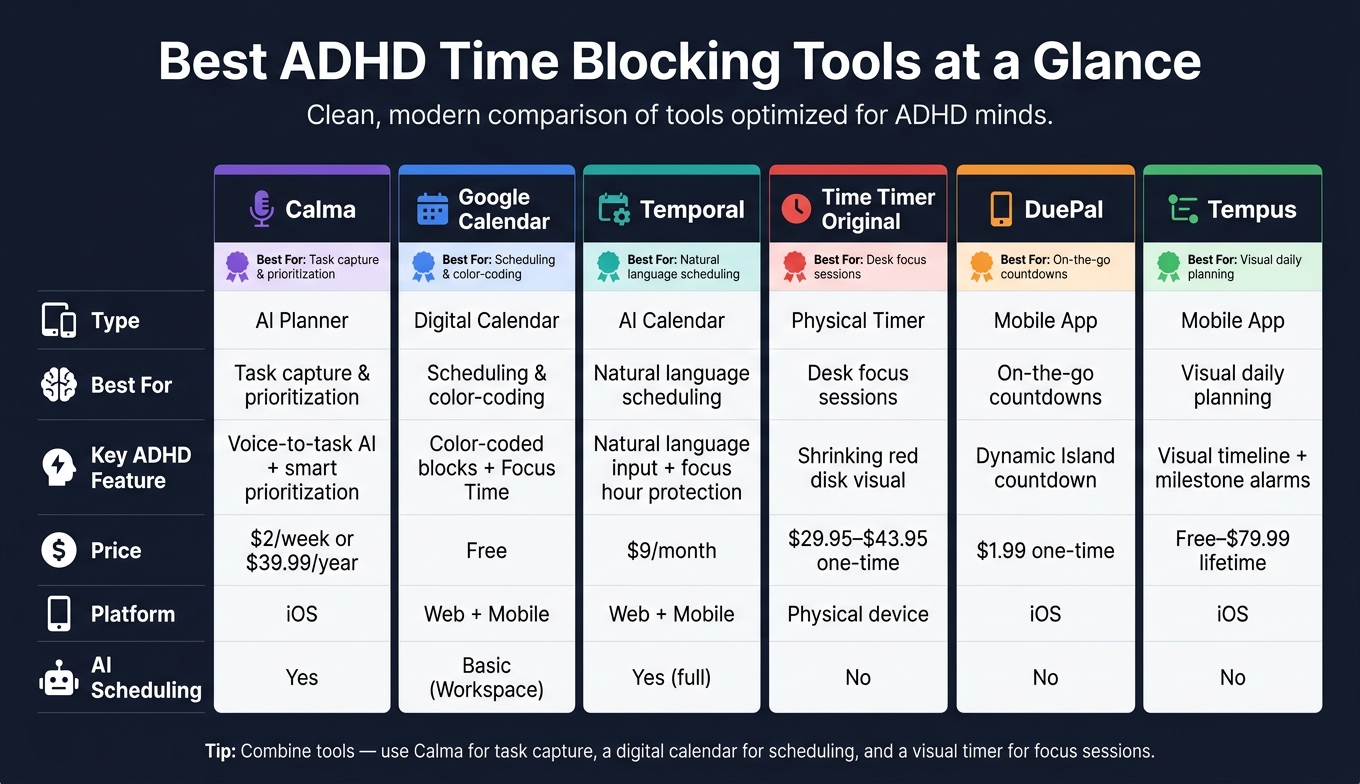
Best ADHD Time Blocking Tools Compared: Features, Price & Use Case
There’s no universal solution for ADHD time blocking, so the key is to match the tool to your biggest challenge. For instance, if you often lose track of time or struggle with time blindness, tools with clear visual timers or timeline interfaces can help. On the other hand, if task paralysis is your main hurdle, a tool that allows you to quickly capture thoughts with minimal effort - like a voice recorder or simple task app - can make a noticeable difference.
Start by identifying the specific issue that disrupts your workflow. Do you forget tasks? Lose track of time? Struggle with decision fatigue or getting started? Maybe adapting to changes in your schedule is the hardest part. Based on your challenge, you might consider tools like voice capture apps, visual timers, AI-powered schedulers, countdown timers with built-in buffer blocks, or tools that allow flexible rescheduling. A good rule of thumb is to apply the 25% buffer rule, leaving 30–40% of your day open. This way, if one task runs over, your entire schedule doesn’t fall apart.
A practical ADHD time blocking system often involves layering tools for different needs. For example, Calma is an excellent option for capturing ideas - it lets you speak your thoughts, automatically turning them into structured, prioritized tasks without extra steps. Once tasks are captured, a digital calendar can handle notifications and scheduling, while a visual timer keeps you focused during work sessions. This setup integrates well with the strategies mentioned earlier.
When starting out, focus on blocking your top three priorities. A system you stick with consistently is far better than a perfect one that never gets used.
FAQs
How do I start time blocking with ADHD without getting overwhelmed?
Starting time blocking when you have ADHD can feel more manageable with a flexible mindset. Start by getting tasks out of your head and into a system - tools like Calma make it easy to jot down ideas quickly without the need for typing. Stick to three main priorities per day to avoid feeling overwhelmed, and include a 25% time buffer to help with time blindness. Think of your time blocks as adaptable guidelines rather than rigid schedules. Use broad categories and begin with smaller tasks to create momentum.
How long should my time blocks be if I lose track of time?
If you tend to lose track of time, try setting flexible time intervals based on the type of task you're working on:
- 10 minutes for tasks you dread.
- 15–20 minutes for tasks you feel neutral about.
- 35–45 minutes for tasks you enjoy.
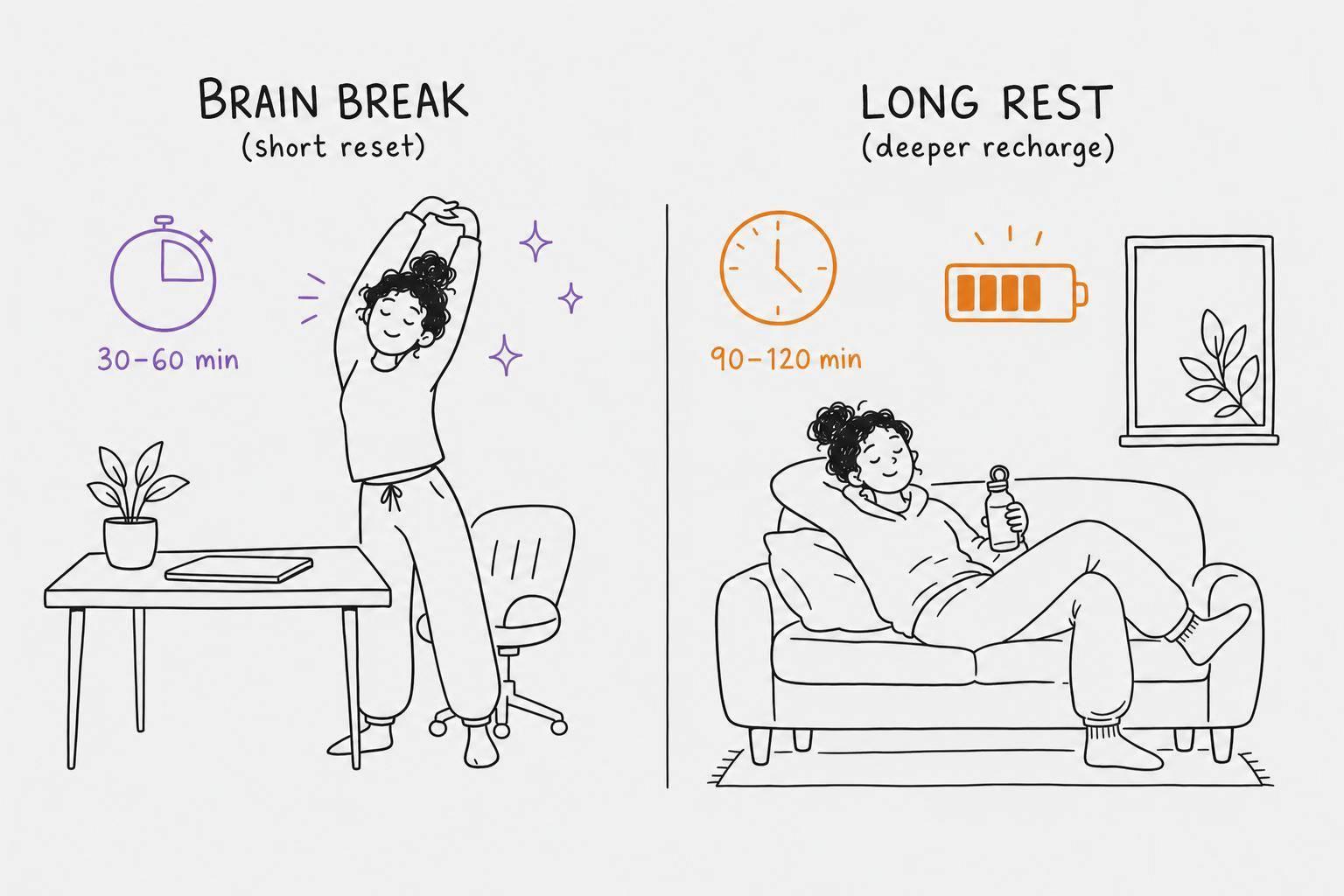
To stay on top of things, add a 25% buffer to account for potential time blindness. Also, include 10–15 minute transition periods as reset moments between tasks. Finally, leave some unassigned flex blocks in your schedule to manage overflow if you find yourself hyperfocused.
What’s the easiest way to capture tasks fast when I’m busy?
The fastest way to jot down tasks when you're swamped is by using voice input. Tools like Calma, powered by AI, let you record your thoughts as voice notes. These notes are quickly transformed into organized, prioritized tasks with due dates - usually in just 10–15 seconds. This saves mental energy and keeps things simple. Plus, home screen widgets make it easy to stay on top of everything without digging through menus.