ADHD Planning: Digital vs Paper Methods Compared
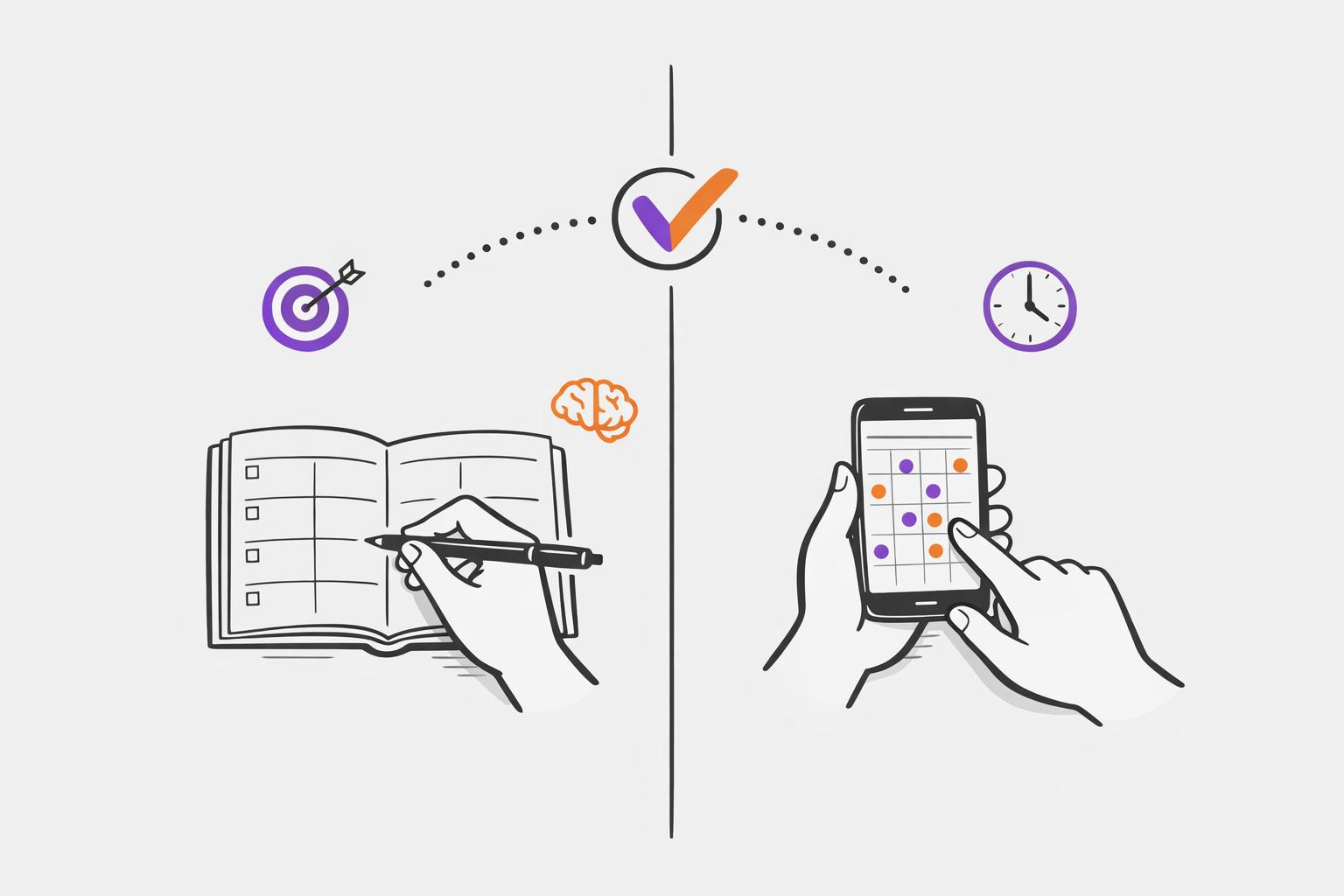
If you have ADHD, choosing the right planning system can help tackle challenges like time blindness, task initiation struggles, and memory issues. The debate often comes down to paper vs digital tools, each with its own strengths and drawbacks. Here's a quick breakdown:
- Paper planners: Great for reducing distractions and improving memory retention through handwriting. However, they lack automated reminders and can be harder to revise.
- Digital planners: Offer reminders, syncing across devices, and flexibility for task revisions. But they can lead to distractions from notifications or app-switching.
Key Findings:
- Paper planners can improve memory retention by 34%-50%.
- Digital tools with reminders boost on-time task completion by 42%.
- Combining both methods can balance focus and efficiency.
The best system is one that aligns with your needs - whether it’s the tactile focus of paper or the dynamic features of digital tools. Experiment with both to find what works for you.
The top productivity tools you need for ADHD organization
sbb-itb-1b3be24
Paper Planning Methods for ADHD
Paper planners provide a tactile experience that digital tools just can't replicate. Writing things down engages neural pathways, improving memory retention by 34%–50%. Studies also show that people using paper calendars create better-quality plans, achieving a 53% success rate compared to just 33% for digital users.
One of the biggest perks? No digital distractions. Productivity expert Julie Morgenstern explains it perfectly:
Paper planning helps you focus. Going onto a device to use a Calendar or Task App means entering a carnival of temptations every time.
For individuals with ADHD, who are often pulled off track by notifications every 40 seconds, paper planners help keep distractions at bay. Plus, leaving a paper planner open on your desk provides a constant visual reminder - it’s right there, even when you’re not actively using it.
That said, paper planners aren’t without their challenges. They don’t come with automated reminders, so you have to rely on your memory to check them. Forget your planner at home? Your entire system becomes inaccessible. And for some, messy handwriting or crossed-out mistakes can trigger perfectionism, leading to frustration or abandonment of the planner altogether.
Bullet Journals
Bullet journals stand out for their flexibility and customization, making them a favorite among paper planning methods for ADHD. Starting with blank pages, you can design a system that works specifically for you. The core technique, called rapid logging, involves using symbols - like dots for tasks, dashes for notes, and circles for events - to capture information quickly. An index at the front helps you track and find details, even months later.
You can create layouts tailored to your needs, whether it’s weekly spreads, daily logs, or habit trackers - all without being limited by software. Costs for bullet journals range from $15 to $30 annually, with first-year expenses (like pens, markers, and rulers) averaging $70–$185. However, those blank pages can feel intimidating for some ADHD users, and manually rewriting recurring tasks can become a chore.
ADHD-Specific Planners
ADHD-specific planners are pre-structured with layouts designed to address common executive function challenges. Unlike ADHD productivity planner apps, which can lead to distraction, these planners offer a focused, distraction-free experience. Features like undated pages let you skip weeks without guilt, while color-coding systems help with visual prioritization. Ample white space reduces cognitive overload.
Many of these planners use a "funnel" approach, starting with a broad weekly overview that narrows down to daily tasks. This layout helps with time blindness, task sequencing, and decision fatigue. Using these layouts is one of several effective strategies to plan your day with ADHD. Some even include "brain dump" sections where you can jot down random thoughts before they derail your focus. Popular premium options, such as Leuchtturm1917 or Moleskine, cost between $20 and $25 per journal. To keep your planner effective, leave it in a visible spot like your desk or bedside table, and consider using a pencil or erasable pen to reduce the stress of making mistakes.
Digital Planning Methods for ADHD
While paper planners can be satisfying to use, digital planning tools offer a more dynamic way to manage tasks and schedules. They sync effortlessly across your devices - whether it’s your phone, tablet, or computer - so your plans are always within reach, no matter where you are.
One of the biggest perks of digital planners is their ability to automate reminders. Unlike paper planners that stay on your desk, digital tools actively nudge you with alerts - often at multiple intervals, like 24 hours, 1 hour, and 15 minutes before a deadline. These reminders can break through hyperfocus and help manage time blindness. As Pam, a reader of ADDitude, shared:
"The noise of the reminder draws my attention... It has helped me be more patient with myself and with my kids."
Some modern tools powered by AI take things a step further. They act like "executive copilots", automatically pulling tasks from your notes or meetings, breaking down big projects into smaller steps, and adjusting your priorities based on your habits. This kind of cognitive support can make a huge difference. In fact, a study found that ADHD professionals using stylus-based digital planners with pre-built templates improved their on-time task completion by 42% over 12 weeks.
Digital planners also sidestep the pitfalls of perfectionism. Unlike paper planners, where crossed-out tasks can leave behind a visual mess, digital tools let you rearrange, edit, or delete tasks instantly - no lingering evidence of "mistakes." Features like visual countdown timers and habit trackers also make abstract concepts like time more concrete, offering the kind of feedback that can motivate ADHD brains. These tools tackle executive function challenges in a way that feels more fluid and adaptable than traditional methods.
Calma: An AI Planning App for ADHD
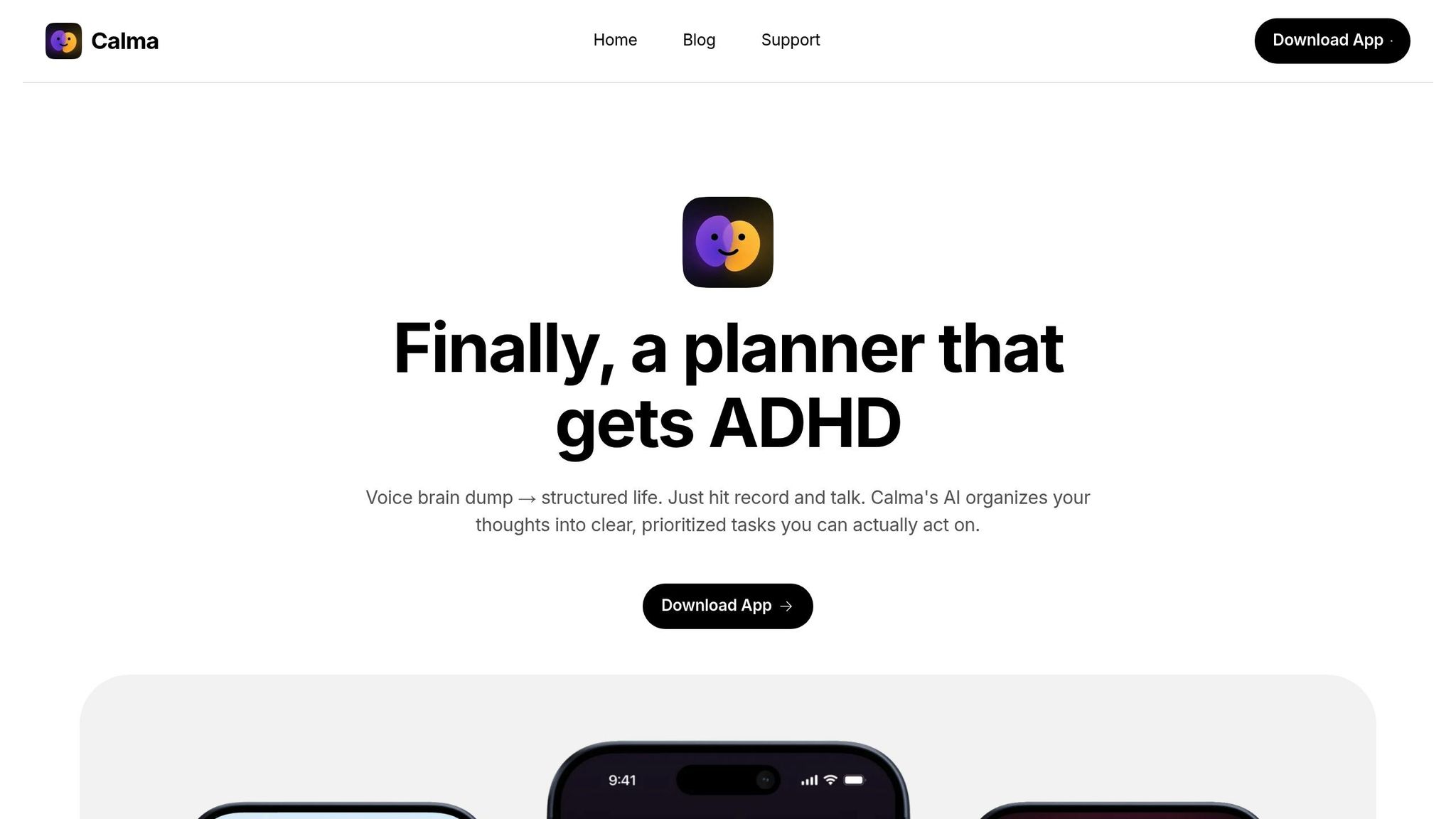
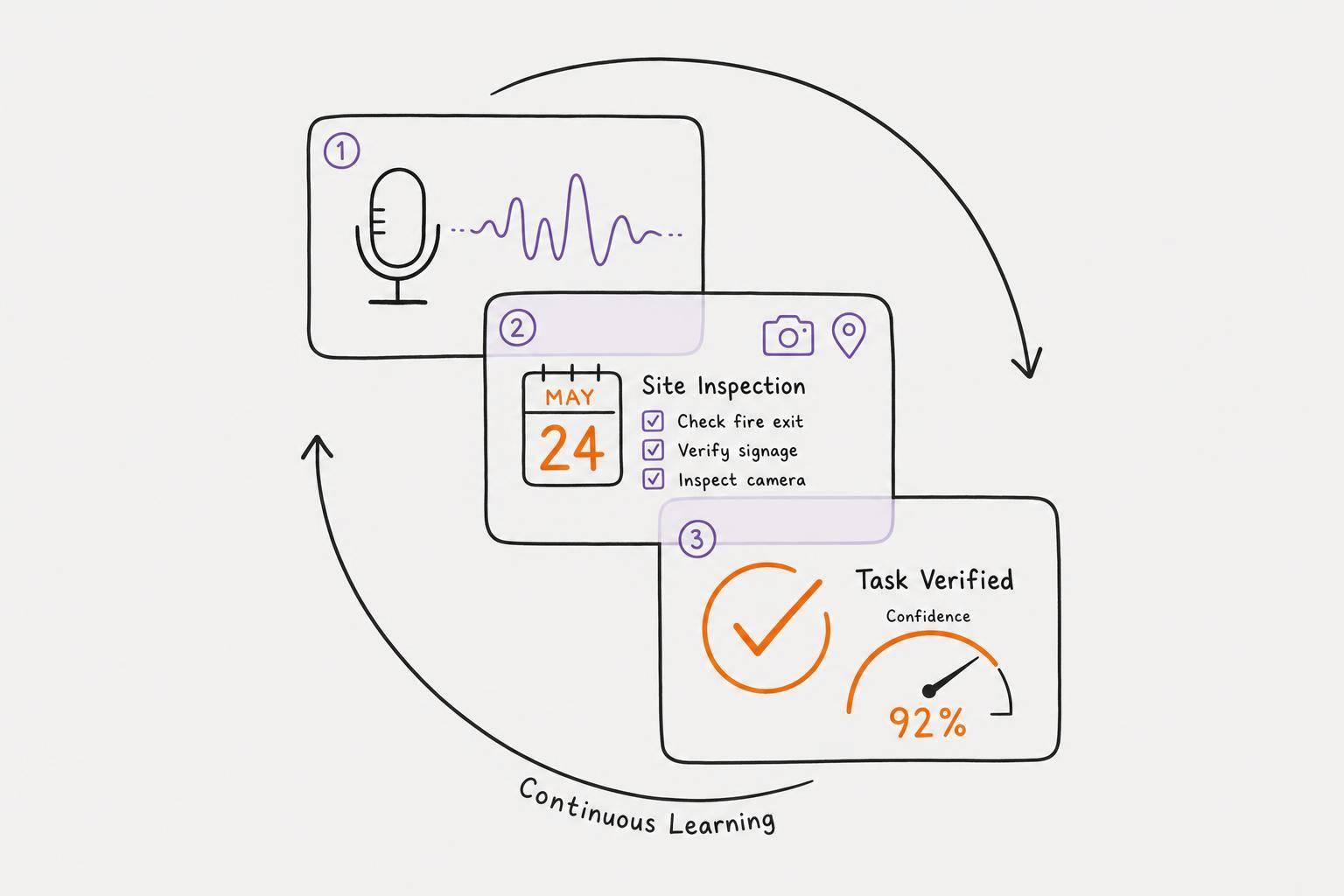
One standout option among digital tools is Calma, an app designed specifically to address ADHD-related planning struggles. Its voice-to-task feature is a game-changer - just speak your thoughts, and the app converts them into structured tasks, complete with due dates and priorities. This means you can capture fleeting ideas before they disappear.
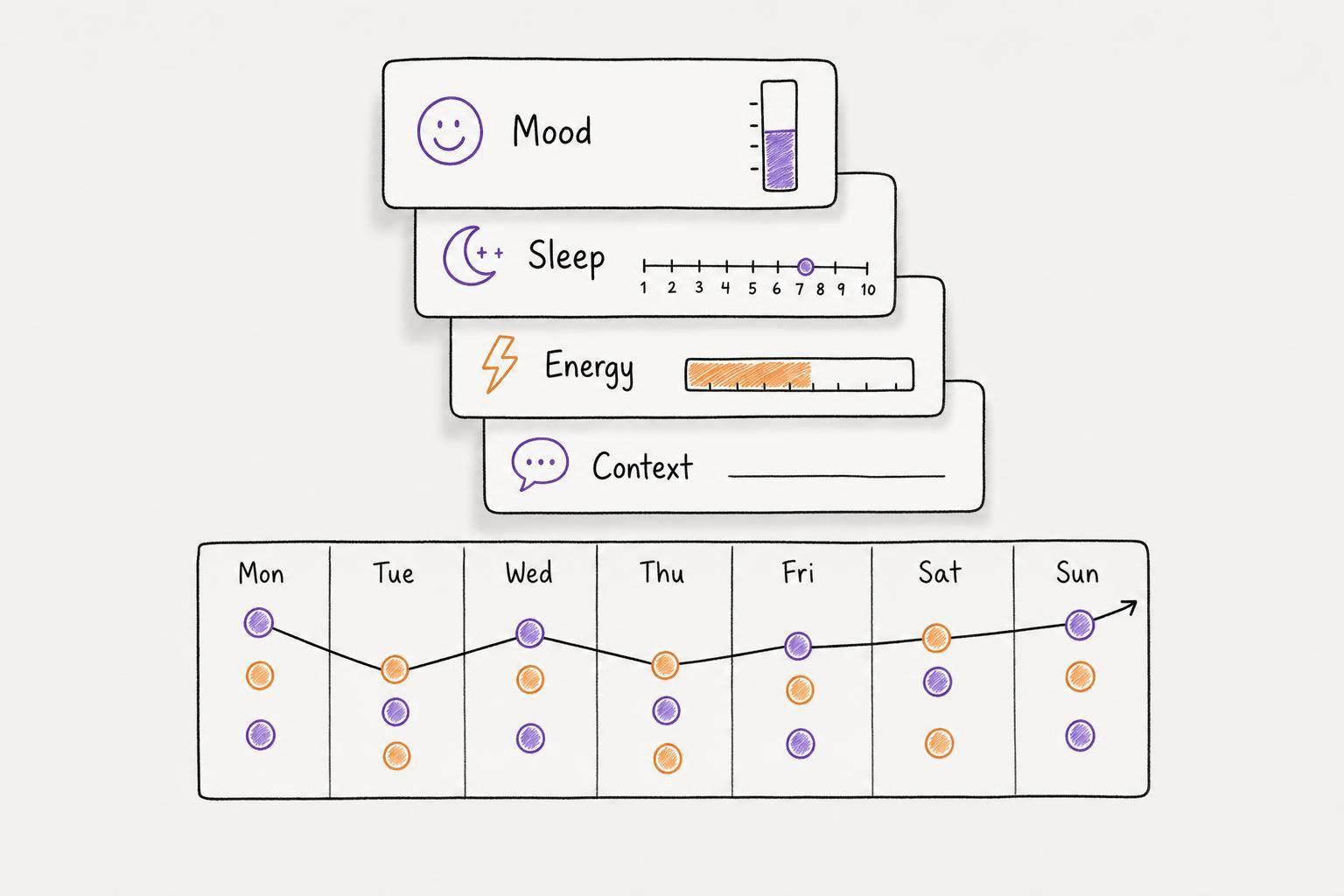
Calma also tracks your mood trends by detecting emotions in your voice journal entries, eliminating the need for manual input. Other helpful features include visual habit progress grids and easy-to-use widgets, all wrapped in a clean, simple interface to avoid cognitive overload.
The app offers a 7-day trial with full AI functionality, after which you can use a free tier with manual task creation. For those who want more, the Pro plan unlocks unlimited habits, calendar integration, and iOS widgets at $2.00 per week or $39.99 annually.
Paper vs Digital: Direct Comparison
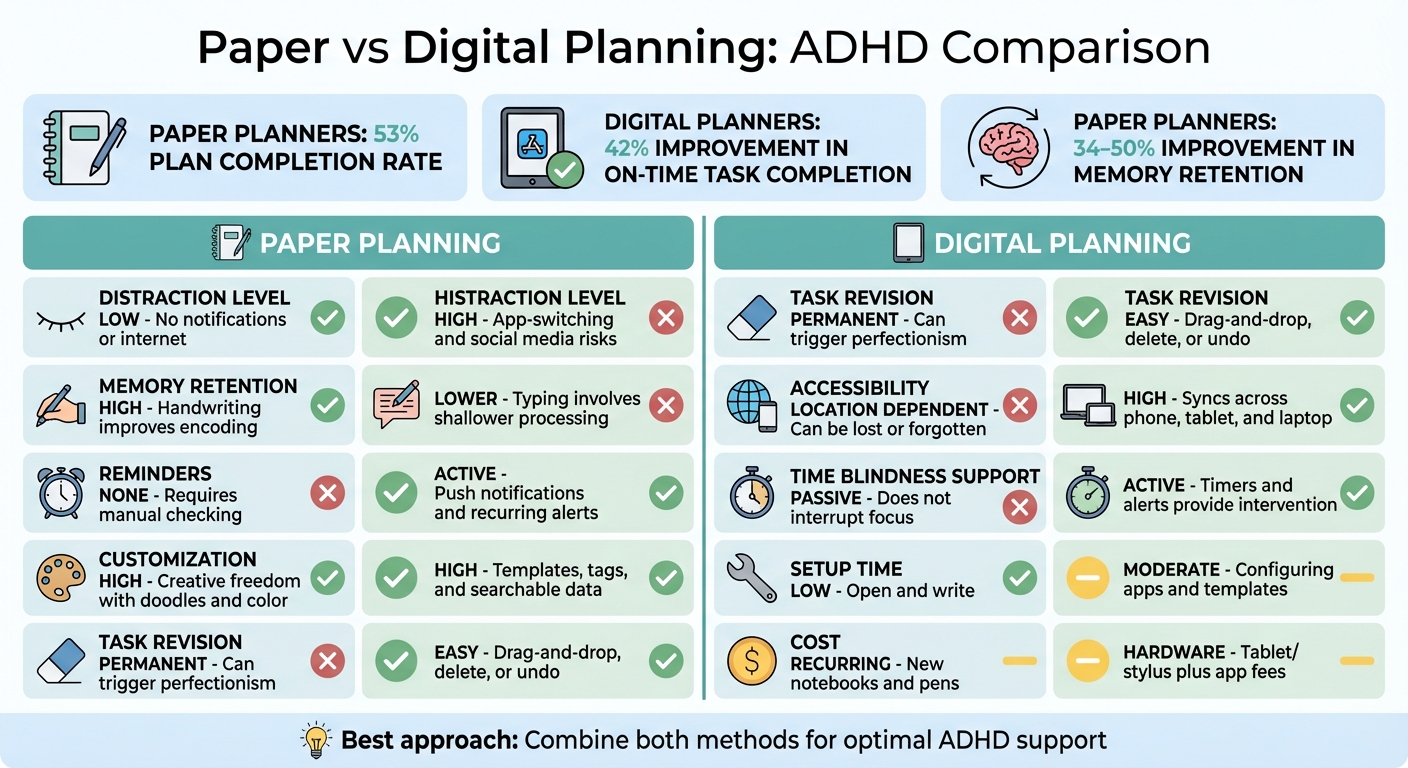
Paper vs Digital ADHD Planning Methods Comparison Chart
Choosing between paper and digital planning isn't about finding a perfect solution. It's about figuring out which method helps you manage ADHD-related challenges more effectively. Each option has unique benefits tailored to different aspects of executive function.
When we compare the two, one key difference stands out: task completion rates. A study by Columbia Business School found that paper calendar users completed 53% of their plans, whereas digital users only managed 33%. On the other hand, research published in 2023 in the Journal of Attention Disorders showed that ADHD professionals using stylus-based digital planners with templates saw a 42% boost in on-time task completion over 12 weeks.
Paper planners shine by reducing distractions and improving memory retention through handwriting. Meanwhile, digital task management apps combat time blindness with active alerts and syncing across devices, making it easier to revise tasks without cluttering your workspace with crossed-out items. Productivity expert Julie Morgenstern explained this challenge well:
Going onto a device to use a Calendar or Task App means entering a carnival of temptations every time.
Here’s a side-by-side breakdown of the major differences:
Comparison Table
| Factor | Paper Planning | Digital Planning |
|---|---|---|
| Distraction Level | Low; no notifications or internet access | High; risk of app-switching and social media |
| Memory Retention | High; handwriting improves encoding | Lower; typing involves shallower processing |
| Reminders | None; requires manual checking | Active; push notifications and recurring alerts |
| Customization | High; creative freedom with doodles and color | High; templates, tags, and searchable data |
| Task Revision | Permanent; can trigger perfectionism | Easy; drag-and-drop, delete, or undo |
| Accessibility | Location dependent; can be lost or forgotten | High; syncs across phone, tablet, and laptop |
| Time Blindness Support | Passive; does not interrupt focus | Active; timers and alerts provide intervention |
| Setup Time | Low; open and write | Moderate; configuring apps and templates |
| Cost | Recurring; new notebooks and pens | Hardware (tablet/stylus) plus app fees |
Both approaches cater to different needs, so the choice depends on what aligns best with your habits and challenges. Whether you prioritize the tactile focus of paper or the efficiency of digital tools, each has its place in managing ADHD effectively.
Combining Paper and Digital Methods
Blending paper and digital methods allows you to take advantage of what each approach does best.
One practical way to do this is through a three-step process: capture ideas digitally, organize them on paper, and execute digitally with reminders. For instance, when inspiration strikes while you're out and about, use your phone's voice-to-text feature to jot it down quickly before the thought slips away. Later, switch to paper for sorting and prioritizing - writing by hand can improve both memory and focus. Once you've refined your priorities, transfer them to a digital planner like Calma. Digital tools are great for time-blocking and setting automated alerts, which can be especially helpful for managing time-related challenges. This system creates a solid structure for your daily routine.
Here's an example: each morning, write down your top 3–5 priorities from your digital calendar onto a paper planner. This gives you a clear, distraction-free view of your day. Throughout the day, capture new ideas or insights digitally, and then dedicate 15–20 minutes each week to syncing everything. Use this time to clear your digital inbox, update your paper planner for the week, and carve out time for your most important tasks. This habit not only keeps you organized but also helps you stay adaptable, which is essential for ADHD-friendly planning. Even during hectic times, this routine ensures your system stays functional.
Switching between paper and digital tools also keeps things fresh. Sticking to just one method can sometimes feel monotonous, so alternating between the two can help maintain your interest and engagement. And if you skip a day, no worries - just start fresh with a new page instead of stressing over missed entries.
As one ADDitude Reader put it:
Paper to scratch off daily tasks and digital for appointment reminders and birthdays.
This approach captures the best of both worlds: using paper for hands-on task management and digital tools for dependable reminders and scheduling. Together, they create a balanced and effective planning system.
Conclusion: Choosing Your Planning Method
Finding the right planning approach for ADHD means matching tools to your specific needs and challenges. There's no universal solution - what works best depends on your sensory preferences, executive function struggles, and daily routines. For example, if you deal with time blindness and need active reminders like alarms or countdowns, digital tools might be your best bet. On the other hand, if digital distractions derail your focus or if handwriting helps you retain information better, paper planners can provide a tactile, distraction-free alternative.
A practical way to figure out what works for you is to experiment. Try one method for 30 days to see if it fits your long-term needs. This trial period helps you move beyond the initial "honeymoon phase" and evaluate whether the system genuinely supports your routine. Start simple: one capture tool, one notebook, and one calendar app. Build from there once you’ve established a steady rhythm. And if you miss a day, don’t sweat it - just pick up where you left off. Small adjustments like these can lead to a planning routine that feels natural and sustainable.
As Highland Park Therapy wisely notes:
"The right planner isn't the one that promises perfect productivity. It's the one that helps you feel more steady, more focused, and more supported in your day-to-day life."
Leverage each tool’s strengths - use digital platforms for reminders and scheduling, and rely on paper for prioritizing daily tasks. Whether you choose digital, paper, or a mix of both, the key is to test, tweak, and settle on what keeps you grounded and focused. The best method is the one that simplifies your day while addressing your unique executive function needs.
FAQs
How do I choose between paper and digital planning with ADHD?
Choosing between paper and digital planning comes down to what works best for you and how you like to organize your thoughts. Digital planners come with handy tools like timers, voice notes, and syncing across devices, which can help lighten the mental load and make it easier to stay on top of tasks. On the other hand, paper planners offer a tactile experience and visual clarity, making them a great choice if you enjoy the physical act of writing things down. If you’re looking for flexibility, a mix of both can let you tap into the benefits of each approach to better manage ADHD.
How can I use digital reminders without getting distracted?
To cut down on distractions from digital reminders, tweak your settings to stay focused. Try using time-blocking templates to organize your day, and embed audio notes for quick thoughts you want to capture. Setting up weekly auto-archiving can help clear out clutter automatically. Turn off notifications you don’t need, keeping only the crucial calendar alerts active. Spend just 5 minutes a day reviewing your tasks, and consider using a stylus instead of a keyboard - it can help externalize your thoughts and ease decision-making. These small changes can make task management simpler and more ADHD-friendly.
What’s a simple way to combine paper and digital planning?
To blend paper and digital planning effectively, assign distinct purposes to each. Use digital tools to manage deadlines, appointments, and updates, as they excel at handling changes and notifications. Meanwhile, paper planners shine for tasks that benefit from a hands-on approach, like daily to-do lists, brainstorming, or sketching ideas.
Avoid duplicating information between the two systems. Instead, let them work together. A master calendar or planner can serve as the central hub to keep everything aligned, ensuring you stay organized and on top of deadlines.